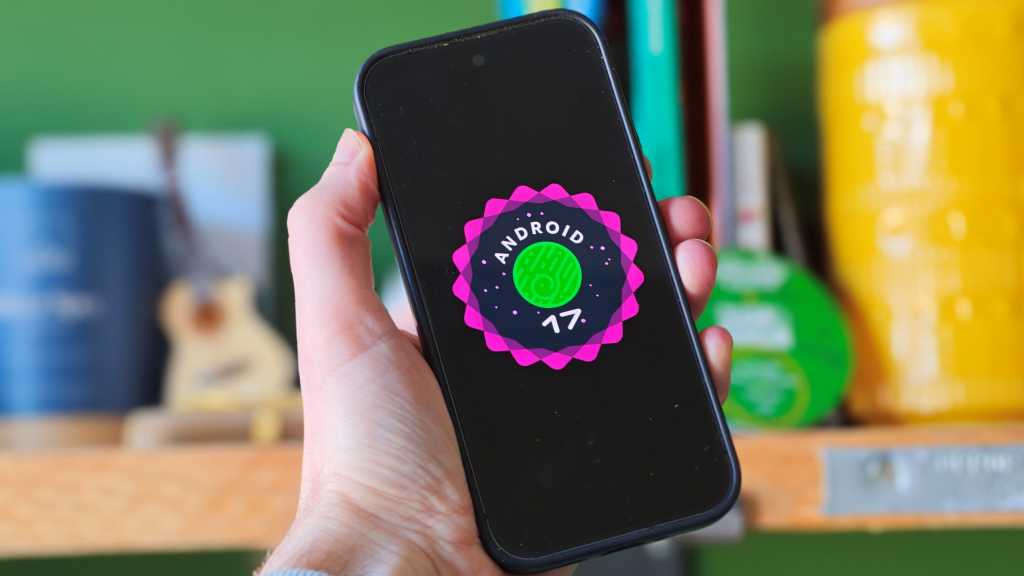
Android 17 is now officially landing on Google Pixels, and this one is doing more than just nudging a version number forward. Google began pushing the stable release to Pixel 6 and newer devices on June 16, alongside the June Pixel Drop, with the Android Open Source Project code to follow shortly after.
For Pixel owners, that means a fresh batch of features that range from genuinely useful to quietly important. Some are visible the moment you pick up your phone. Others sit under the hood, doing the boring-but-crucial work of making Android feel steadier, safer and a little less annoying.
The biggest changes arriving now
The most obvious headline feature is App Bubbles, Android 17’s new floating-window system. Long-press an app icon and you can launch it as a bubble that sits on top of whatever else you’re doing. On phones, it’s a quick way to keep a chat, list or note handy without fully switching tasks. On foldables and tablets, Google adds a bubble bar for moving and organizing multiple floating apps. It’s the kind of multitasking tweak that feels small until you actually use it.
Google is also bringing Screen Reactions into the stable build. If you’ve ever tried to make a reaction video with your screen and face at the same time, you know the drill: awkward setups, extra apps, maybe even a green screen. Android 17 builds that into screen recording itself. Start a recording, choose the full screen option, turn on the selfie camera, and your face can be overlaid directly on top of the capture. You can resize it, move it, and even change the background color before or during the recording. It’s a neat Pixel-first tool for creators, and it lines up with the broader push Google has been making in the June Pixel Drop and the rest of its creator-focused ecosystem.
Google is also continuing to lean into cross-device and foldable experiences. That includes the upcoming Foldable Gaming Mode, which is enabled in Android 17 but won’t arrive until later. The idea is simple: a game view on the top half of a foldable, a virtual gamepad on the bottom half, and a more natural layout for handheld play. Native controller remapping is coming too, along with performance work aimed at cutting frame drops during heavy gaming sessions. If Google keeps pushing in this direction, it could help Android foldables feel less like oversized phones and more like devices with their own identity, similar to the kind of platform-specific experimentation we’ve seen around Android 17 Beta 3.
Privacy gets a noticeable upgrade as well. Android 17 adds a one-time precise location option, so apps can request exact location access for a single session instead of making you choose between a full grant or repeated prompts. Google is also making location access more visible: a persistent indicator appears whenever a non-system app is using location, and tapping it brings up a recent-use view with app-by-app controls. Approximate location is getting smarter too, with dynamically sized areas based on population density instead of a fixed grid. In dense cities, that’s one thing; in rural areas, it should make coarse location less revealing.
Contacts get similar treatment through the new Contacts Picker tool. Rather than handing an app your entire address book, you can share specific contacts for a session and only the fields you choose. The access is a snapshot, not a live feed, so apps won’t keep tracking changes over time.
Then there are the security changes aimed squarely at lost or stolen phones. Find Hub’s Mark as lost feature now supports biometric authentication, which makes it harder for anyone who knows your PIN to turn off protections or regain access. Triggering Mark as lost also hides Quick Settings and blocks new Wi‑Fi or Bluetooth connections. Android 17 also tightens lock-screen attack resistance by reducing the number of PIN or password attempts allowed and increasing the wait time between failures. That combination should make brute-force attacks a lot less practical.
Some of the changes are less flashy but probably more useful in day-to-day life. App memory limits now scale with a device’s RAM, with Google saying the goal is to rein in leaks and outliers before they cause system-wide stuttering, app kills or battery drain. If you’ve ever had a phone feel like it suddenly lost its rhythm halfway through a normal day, that’s the sort of thing these limits are meant to address.
Android 17 also gives users more control over dark mode. Expanded Dark Theme can now force light-looking apps into a darker appearance more consistently, and developers can be excluded one by one if the result looks off. Assistant volume is finally its own thing too, rather than shadowing media volume changes. Small tweak, big quality-of-life win.
Pixel users get a couple of extra niceties on top. The Pixel Launcher now lets you hide or show app names on the home screen, and parental controls are expanding beyond Pixels to more devices. Those controls already let parents set screen-time limits, schedule downtime and block apps, and now they’ll reach a wider range of Android hardware.
Google has also been folding some of these updates into the broader Pixel story. The company’s own June Pixel Drop adds features such as Gemini-powered video editing and regional expansions for call tools and emergency sharing, while Android 17 provides the platform underneath it all. If you want the broader picture of how Google is pushing its phones, the latest Pixel feature expansion and the company’s broader Android 17 beta work show how much of this rollout has been building for months.
Not every promised feature is here today. Foldable Gaming Mode, for example, is still marked as coming in the months ahead. But the stable build already lands with enough visible changes to make this feel like more than a routine platform update. It’s a cleaner, more private Android with a few genuinely helpful flourishes — and for Pixel owners, it starts now.