Samsung has spent years watching rival Android phones show live network speeds in the status bar while Galaxy owners had to make do with workarounds. That gap is finally closing.
With One UI 9, Samsung is adding a network speed indicator through the QuickStar module inside Good Lock, giving Galaxy phones a way to show real-time upload and download activity at the top of the screen. It’s not buried in a hidden root tweak or dependent on a third-party app anymore — at least not in the messy, unofficial way users had to rely on before.
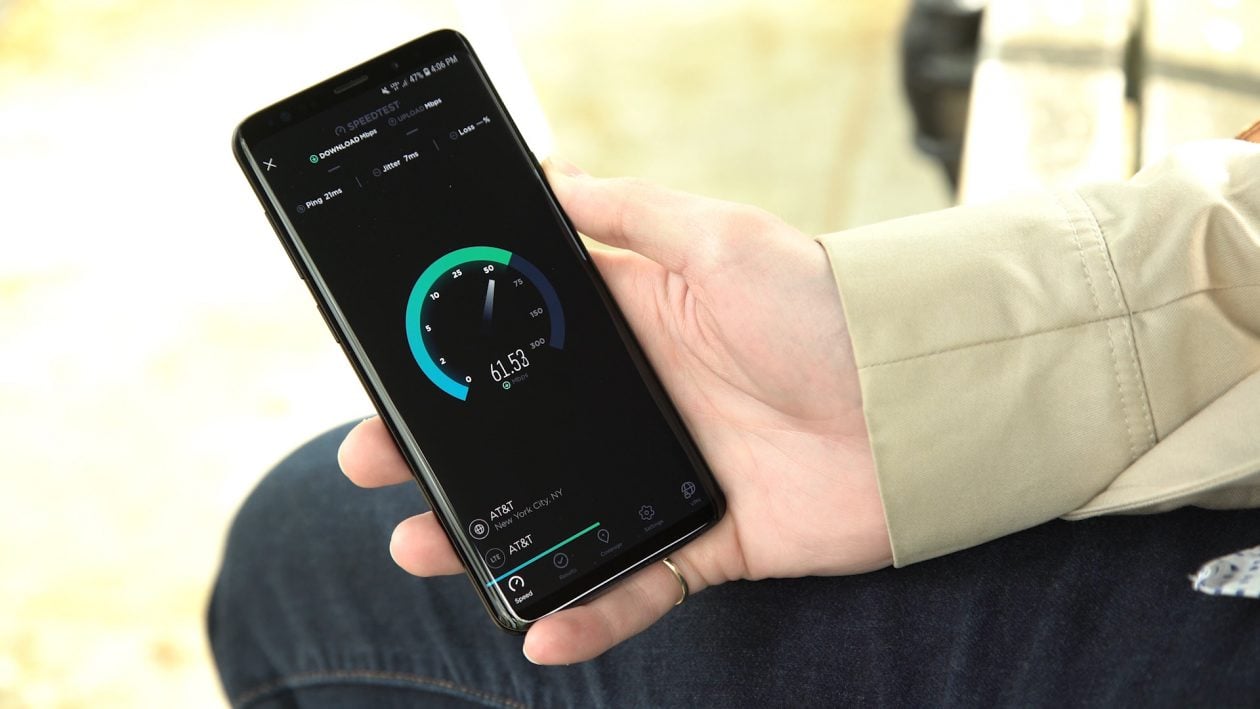
The feature is already showing up in the One UI 9 beta for the Galaxy S26 series, and it works on both Wi‑Fi and mobile data. Once enabled, the readout appears on the right side of the status bar and displays speeds in K/s or M/s. In practical terms, that means you can tell at a glance whether a download has stalled because of your connection or because the app is acting up. It’s one of those small conveniences that becomes oddly hard to live without once you’ve used it.
Samsung isn’t stopping there. The same QuickStar update also adds an option to disable the “Ongoing Chip,” the pill-shaped Now Bar element that surfaces live activities such as timers, calls and voice recordings. That makes One UI 9 feel a little more configurable all around, especially for people who prefer a cleaner status bar. Samsung has been steadily pushing more flexibility into its software, as seen in features like AirDrop-style Quick Share support and the growing list of tweaks arriving across the Galaxy S26 lineup.
For now, the catch is that you’ll need the One UI 9 beta and the updated QuickStar module from Good Lock. Samsung still hasn’t folded the network speed indicator into the core system settings, so this is more of an official Samsung solution than a fully native one. Even so, it’s a big step up from the old choices: third-party apps with always-on notifications or obscure firmware tricks on rooted devices.
How it works on Galaxy phones
Once QuickStar is installed and updated, the process is straightforward. Open Good Lock, head into QuickStar, turn the module on, then enable the network speed option under indicator visibility. The speed indicator appears immediately and can be switched off from the same menu whenever you want.
In testing, the indicator seems accurate enough for everyday use, and it doesn’t just track one kind of connection. Whether you’re on Wi‑Fi at home or mobile data on the move, it keeps an eye on the live traffic flowing through the phone.
That broader software polish matters because One UI 9 is shaping up to be more than a minor refresh. Samsung has also been refining the Phone app and other parts of the interface, including a more capable call history view for third-party apps that points toward a less fragmented experience. Add in the tighter Good Lock integration and Samsung’s foldable-friendly enhancements, and the update is starting to look like a real quality-of-life release rather than just a routine version bump.
The feature is currently limited to the Galaxy S26 beta in a handful of markets, but Samsung is expected to widen access later. If it lands broadly, it will solve a tiny annoyance that Galaxy users have been asking about for years — and sometimes those are the upgrades that make a phone feel more finished than any flashy headline feature ever could.