Samsung’s One UI 8.5 stable release is picking up speed. What started in South Korea is now moving onto mid‑range Galaxies and carrier‑locked flagships overseas — and the list of devices getting the update just got longer.
Where the update is appearing first
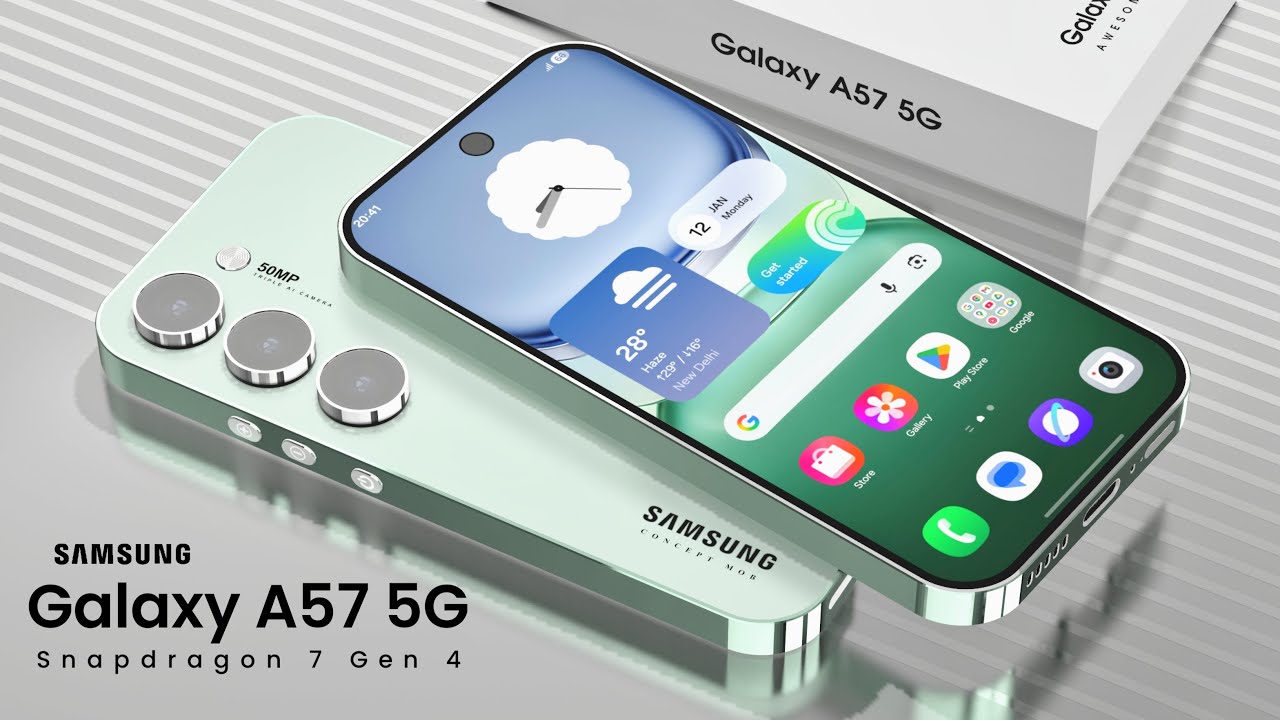
Owners report stable One UI 8.5 builds landing on the Galaxy A36 (firmware ending in CZDD) and the Galaxy A56 (ending in CZDR) in markets such as Turkey, Malaysia, Indonesia and parts of Europe. The package for those A‑series phones weighs in at roughly 3GB, so Samsung recommends downloading over Wi‑Fi.
At the same time, Samsung has continued to expand the stable Android 16‑based One UI 8.5 to higher‑end models. The Galaxy S23 family’s global push (firmware S91xBXXU9FZDP) moved beyond South Korea into Europe and India; non‑beta users are seeing downloads north of 4GB while beta testers get a much smaller installer. In the US, Verizon‑locked Galaxy S24 units have already begun receiving the same overhaul under builds like S92xUSQU5DZDR — unlocked phones and other carriers are still waiting their turn.
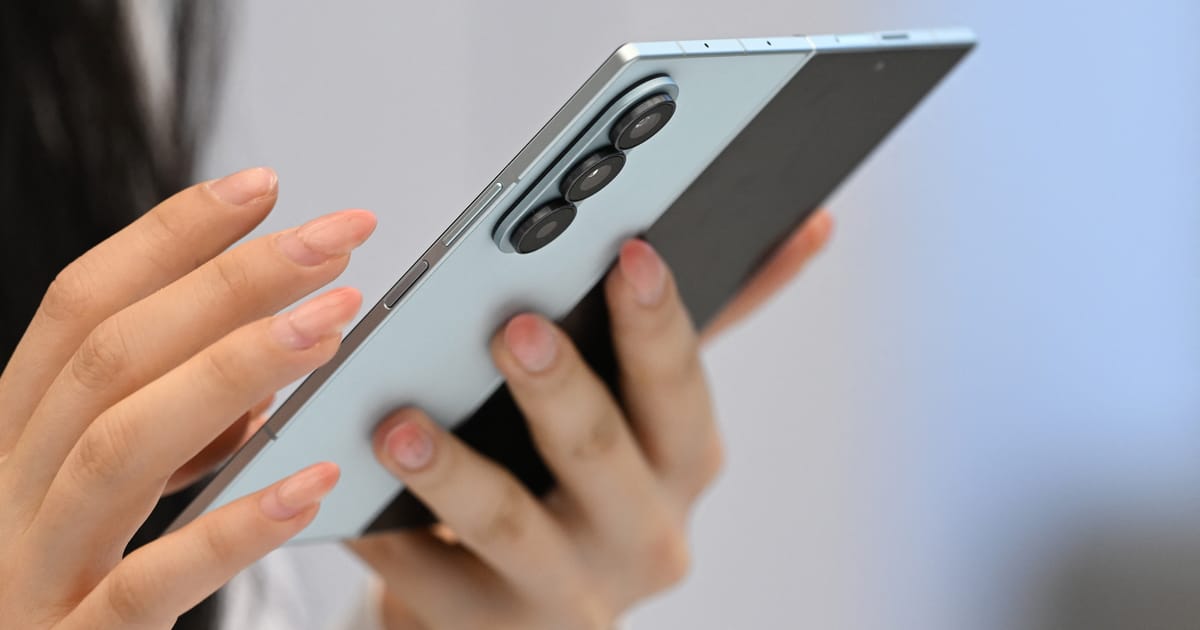
Samsung also pushed the update to tablets and foldables: the Galaxy Tab S11 series was among the first tablets to get the stable build, and foldables including Z Fold5 and Z Flip5 have been included in recent waves. Rollouts remain phased, so timing varies by country and carrier; if you don’t see it yet, patience (or an occasional manual check) is required.
What’s actually inside One UI 8.5
If you’re skipping straight to the list of goodies, here’s the gist: a refreshed UI language, smoother animations, more customizable Quick Panel controls, Galaxy AI enhancements inside native apps (Photo Assist, editing, and captioning tools), and a variety of lock‑screen and widget tweaks. Samsung has also bundled May 2026 security fixes that address multiple Android and One UI vulnerabilities.
Perhaps the most talked‑about headline is better cross‑platform sharing: Quick Share is being updated to talk to Apple devices in the form of AirDrop‑style compatibility on supported hardware. That feature is rolling out unevenly — available on some models but not yet on others — and Samsung’s staggered approach means you might have to wait for your device to catch up. For background on Samsung’s AirDrop work and how it’s being added across models, see Samsung’s plans for cross‑platform Quick Share and AirDrop integration (/news/galaxy-s26-airdrop-quick-share) and the recent beta expansion notes about what actually works (/news/samsung-one-ui-8-5-airdrop-quick-share-expansion).
One UI 8.5 also brings subtle changes that’ll matter to power users: a compact tab bar in a few stock apps, new portrait filters, automatic wallpaper layout adjustments, and Quick Panel tile reordering. Expect improved battery optimization claims, though real‑world gains will vary by device and usage.
Caveats and tiny annoyances
Not every phone will get every feature. Samsung tailors some capabilities to hardware and regional regulations, so things like advanced Galaxy AI tasks or Quick Share integrations may be absent on older or lower‑end units. The update’s size can also be substantial — several gigabytes on many phones — which is why the usual advice applies: backup important data, plug into Wi‑Fi, and keep the battery sufficiently charged (Samsung typically recommends at least 30%).
Also worth noting: One UI 8.5 quietly changes customization boundaries — third‑party system fonts appear to be blocked in some builds, an annoyance for anyone who likes to tweak typography on their phone. If you’re attached to non‑stock fonts, be aware of that limitation (/news/samsung-one-ui-8-5-removes-custom-fonts).
How to get it (and what to do if it’s not there)
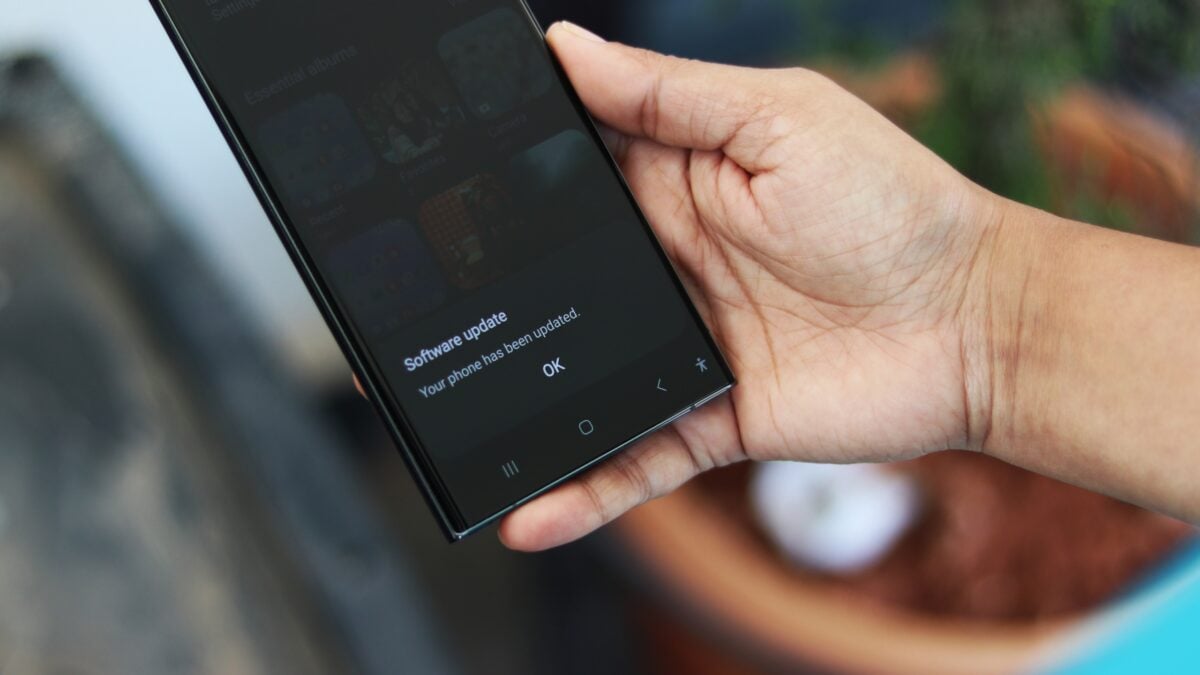
To check for the update: open Settings > Software update > Download and install. If nothing shows up, your device might be waiting for a carrier or region‑specific push; Samsung releases large updates in phases to manage server load and carrier testing.
If you install the update:
- Use Wi‑Fi and a charged battery. Big packages are best handled on a stable connection.
- Back up irreplaceable data first (photos, messages, app data).
- Expect one or two reboots and some app updates after installation.
One UI 8.5 is a significant polish rather than a radical reinvention: it smooths out One UI, folds a handful of new AI and sharing niceties into native apps, and extends support to more of Samsung’s broad device lineup. For many users — especially those in mixed Apple/Samsung households — the Quick Share-to‑iPhone improvements alone will make the download worthwhile. If you’re on an unlocked model and still waiting, the update should arrive in the coming days or weeks as Samsung finishes its phased rollout.
If you want the deeper context on Samsung’s Quick Share strategy and how it’s being rolled out across Samsung’s newest handsets, check the coverage of the AirDrop compatibility work (/news/galaxy-s26-airdrop-quick-share) and the recent beta expansion notes (/news/samsung-one-ui-8-5-airdrop-quick-share-expansion).