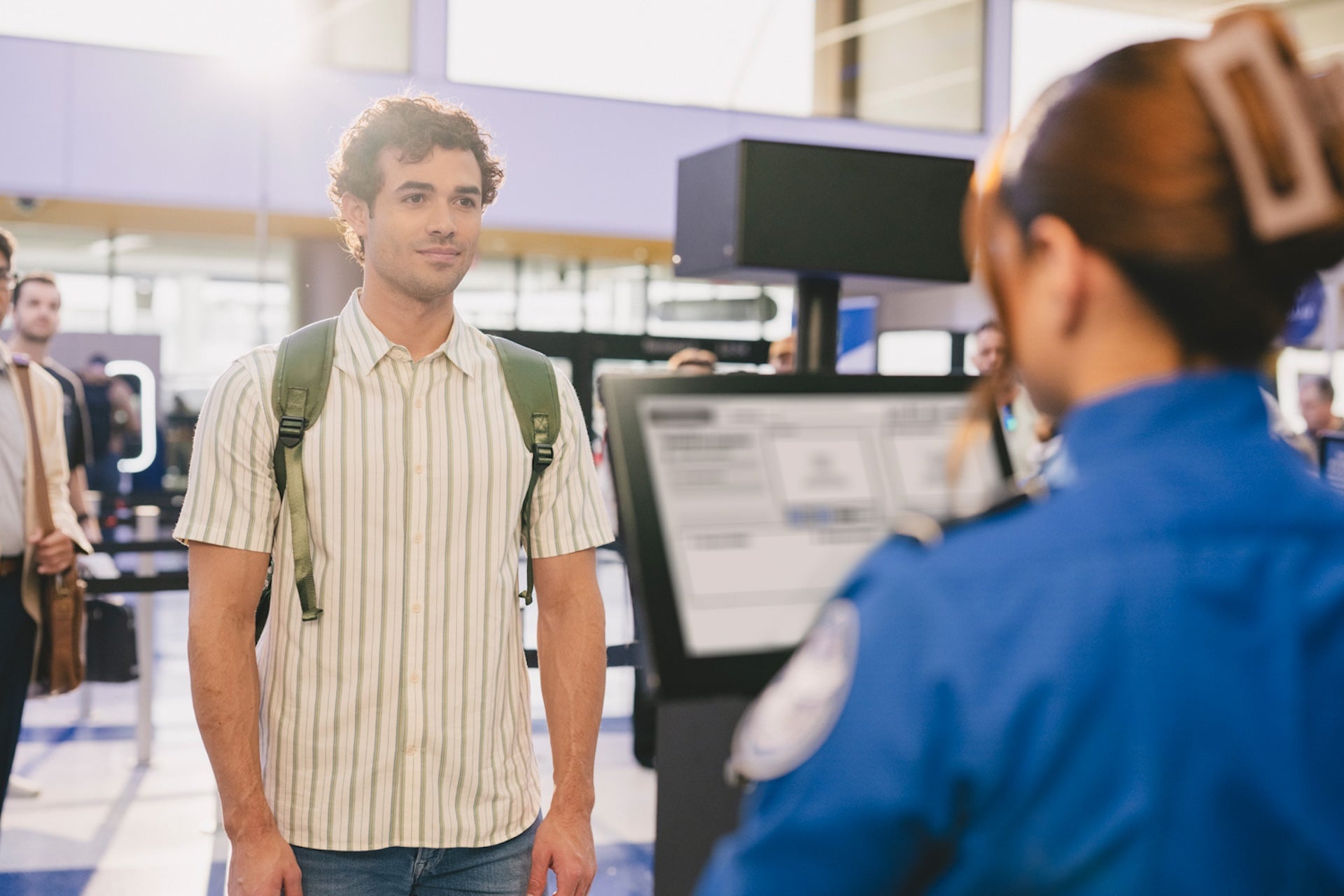
Ever search your bag at the worst possible moment — right in the TSA line — and wish your passport would just appear on your phone? Samsung and identity platform CLEAR teamed up to make that slightly less painful. The new Samsung ID with CLEAR brings a passport-backed digital ID into Samsung Wallet for Galaxy phones, letting travelers verify identity at more than 250 TSA checkpoints and at select venues without pulling out the physical document.
What Samsung ID with CLEAR does
Launched late May 2026, Samsung ID with CLEAR links the information in your U.S. passport to a verified digital card inside Samsung Wallet. Once you add it, most participating checkpoints accept a QR scan or a tap from your phone instead of a paper passport for domestic travel. Early venue partners include BMO Stadium in Los Angeles, where the digital ID can speed up age checks and entry.
Setup is quick. You’ll need a valid U.S. passport and a compatible Galaxy running Android 9.0 or later. Open Samsung Wallet’s Quick Access tab, tap the plus sign, choose Digital IDs, then select Samsung ID with CLEAR and follow the on‑screen prompts.
- Supported at 250+ TSA checkpoints across the U.S.
- Works for domestic flights; international travel still requires the physical passport
- No CLEAR+ paid membership required to add the digital ID (CLEAR does offer a premium lane product separately)
- The feature is intended for domestic travel only. For international departures and re‑entry you still need the physical passport.
- Airports vary: some checkpoints may still require you to produce the paper passport, or a boarding pass, depending on local procedures and hardware.
- The digital ID doesn’t replace the convenience of services like CLEAR’s paid lanes — CLEAR+ (the paid product) still provides expedited screening in many airports.
How Samsung protects the data
Samsung and CLEAR split responsibilities: CLEAR handles the identity verification backend while Samsung locks the resulting digital ID into the device. Samsung says the passport data is encrypted on‑device and guarded by Samsung Knox; you must authenticate with biometrics or a PIN to show the credential. That hardware-level approach mirrors the company’s wider privacy push — the same protective layer that factors into features like the Galaxy S26 Ultra’s privacy screen innovations Galaxy S26 Ultra privacy display.
Limits and practical points to know
This is handy, but not omnipotent. Expect a few constraints:
For people juggling travel apps and Samsung features, this is another nudge toward an all‑in‑one phone experience — a trend Samsung has been reinforcing across One UI features, including improved device-to-device sharing like Quick Share Galaxy S26 will get AirDrop via Quick Share.
Why this matters — and what to watch
On the surface it’s simply convenience: fewer paper documents to fumble. But the move also accelerates a larger shift: phones are becoming consolidated identity bundles. That’s useful, and a little unnerving. Storing your passport on a device simplifies travel but concentrates personal risk — if something goes wrong with your phone or the identity platform, you could face real friction.
Samsung’s on‑device encryption and Knox help reduce that risk, but the tradeoff is trust. Users are now being asked to trust one vendor’s hardware and another’s verification service at the same time. For many, the payoff—speed through security lines and less pocket juggling—will be worth it. For others, carrying the old passport remains the safer habit.
If you travel with a Galaxy and want to give it a shot, adding Samsung ID with CLEAR is free and takes only minutes. But plan for exceptions: bring your physical passport on trips, and be ready to show it if a checkpoint or airline agent asks.
Samsung’s move brings its Wallet into closer parity with Apple and Google offerings that already support digital passport options. It’s another sign that identity on phones is no longer experimental — it’s becoming ordinary, one tap at a time.