Apple Wallet is turning into a much busier place in iOS 27. Not just a spot for cards and tickets, but something closer to a living travel-and-payments hub that can understand receipts, build its own passes, and keep hotel stays and theme-park trips in sync as plans change.
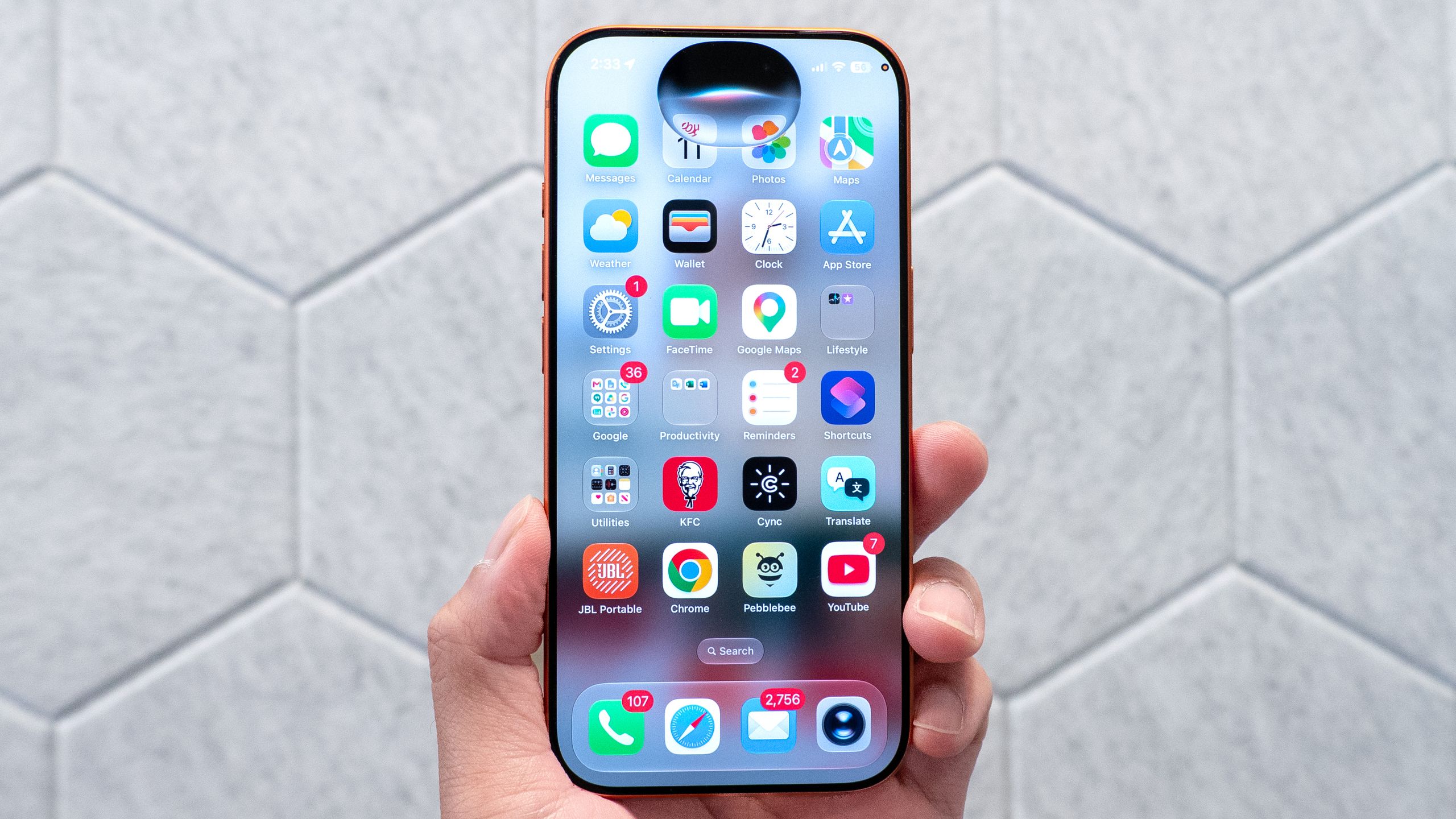
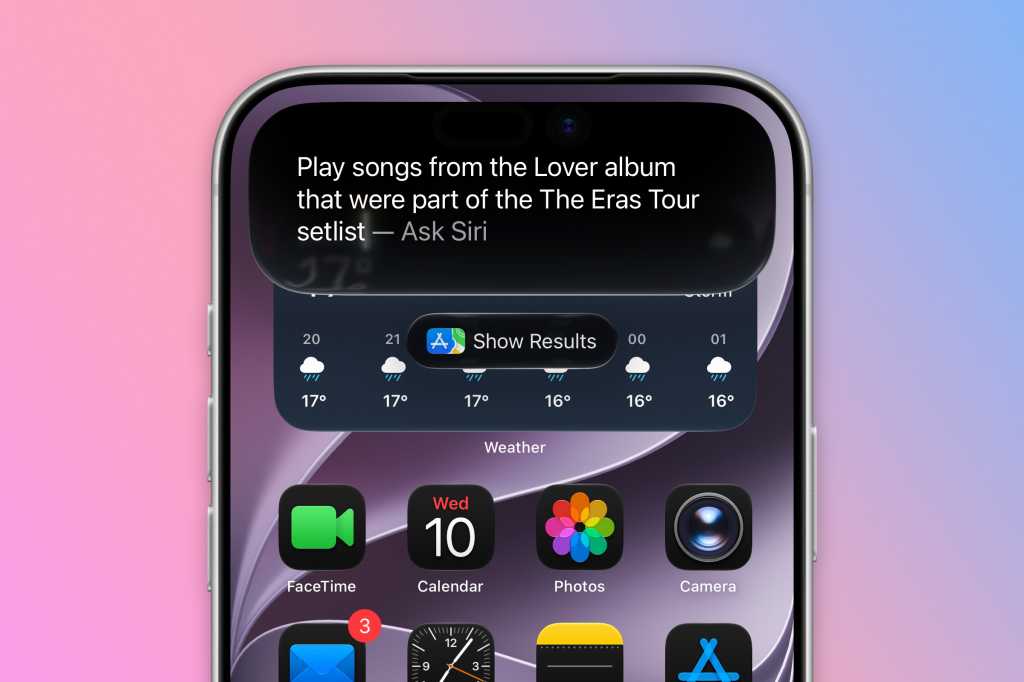
That broader push fits with Apple's iOS 27 rollout, which leans heavily on Apple Intelligence and the new Siri mode in the Camera app. A lot of the flashier attention from WWDC 2026 went to Siri itself, but Wallet quietly picked up some of the most practical upgrades of the bunch.
Receipts, passes and a lot less fumbling
The most immediately useful new feature may be split bill support. Point your iPhone at a receipt in Siri mode, and Wallet can identify the items, break out the total, and calculate your share, including tax and tip. From there, you can request money or pay it back with Apple Cash. It works in Wallet, Messages, and via the Camera app.
Apple is also finally giving Wallet a way to create custom passes from physical cards. If you have a loyalty card, membership card or similar pass that never made it into Wallet on its own, you’ll be able to scan it and convert it into a digital pass. You can also do it manually, and Apple says the feature supports pass types like Standard, Membership and Event. The camera-based version depends on Apple Intelligence, so it will require an iPhone 15 Pro or newer.
That’s a meaningful move for Wallet, which has always been good at holding what Apple already supports but less flexible with everything else. It also brings Apple closer to the kind of catch-all approach Google Wallet has leaned into for a while. We’ve seen Apple inch in that direction before, including in iOS 26’s little revolutions, but iOS 27 is the first time it feels like Wallet is being treated as a real organizer, not just a payment shelf.
Passes that actually change as your plans do
Apple is also upgrading the pass experience itself. Enhanced passes, which first showed up for boarding passes in iOS 26, are expanding across the app. That means loyalty cards, rewards cards, gift cards and membership passes should get a more polished look, with richer background images and extra tiles showing relevant information.
A new macOS app called Pass Designer is part of that effort, giving developers a way to create and preview passes on the desktop. Apple is clearly trying to make passes feel more like living cards than static barcodes.
It is also widening the kinds of barcodes Wallet can display, adding support for EAN-13, Code 39, Codabar and ITF. That won’t matter to everyone, but for retailers, venues and membership programs, it broadens the number of systems Wallet can play nicely with.
Disney, hotels and the rise of the dynamic key
The travel side of Wallet is getting a lift too. Apple says enhanced hotel keys will surface more trip details for participating hotels and resorts, including booked activities, available services and more information about the stay.
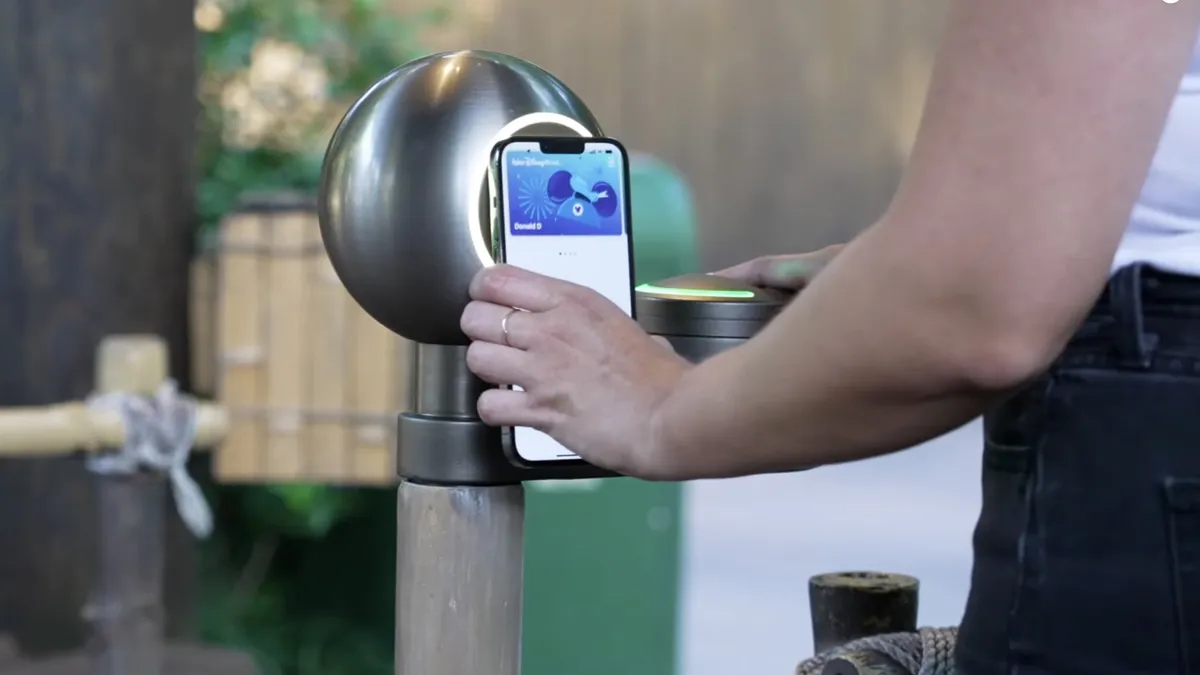
That same idea is showing up in Disney World’s MagicMobile system later this year. As TechRadar noted, Disney will use Apple Wallet’s enhanced key system so park passes can do more than just open the gate. The pass will show reservations, Lightning Lane bookings, special events, dining reservations and upcoming trips directly in Wallet. If your plans change in the MyDisneyExperience app, those changes should flow through automatically.
That’s the real story here: Wallet is becoming dynamic. It isn’t just storing a credential anymore. It can update itself.
The hotel upgrade points in the same direction. Apple says guests will be able to see more trip details, get updates about booked activities and access services during their stay, all from one place. That should make Wallet feel less like a utility and more like the front door to a trip.
Orders tracking spreads beyond the U.S. and U.K.
There’s also a quieter but useful expansion for order tracking. Wallet’s Orders feature, which uses Apple Intelligence to surface delivery and purchase details, is now coming to Canada and Australia as well. Until now, it was limited to the U.S. and U.K.
That matters more than it sounds. The more Apple folds travel, shopping and payment details into Wallet, the harder it becomes to treat it as a simple payment app. It’s starting to overlap with what people expect from their email, their retailer apps and even parts of their calendar.
The new checkout flow in Apple Pay follows that same logic. Apple is redesigning the payment sheet so users can swipe through available cards more easily and see extra details like reward balances, pay later options and debit account balances. Later this year, Apple also plans to let eligible debit cards in Wallet receive added funds during online checkout.
The final piece is Tap to Share, which Apple says will arrive this fall with Tap to Pay in stores. It lets shoppers connect to a merchant’s iPhone and securely share personal information with a few taps, then keep watching basket items update in real time before paying with Apple Pay. It sounds like a small change, but those are often the ones people end up using every day.
iOS 27 is already in developer beta, with a public beta expected later this summer and the full release due in the fall. And for once, Wallet feels like one of the update’s less noisy features that may end up being one of the most useful.