Apple isn’t turning Apple Music into a whole new app in iOS 27, but it is sanding down a few rough edges and making the service feel more capable in everyday use. The biggest changes touch the parts people actually see: artist pages, album pages, lyrics tools, AutoMix, and streaming performance.
The most visible refresh is on artist pages. Apple has redesigned them with a stronger visual identity, letting an artist’s imagery flow more naturally into the rest of the page instead of stopping at a hard boundary. The result feels closer to a magazine spread than a grid of tiles. Artist info, play controls, and favorite buttons now sit more prominently below the name, while featured music gets its own separate box. The design keeps the familiar structure of Apple Music intact, but it looks noticeably more polished.
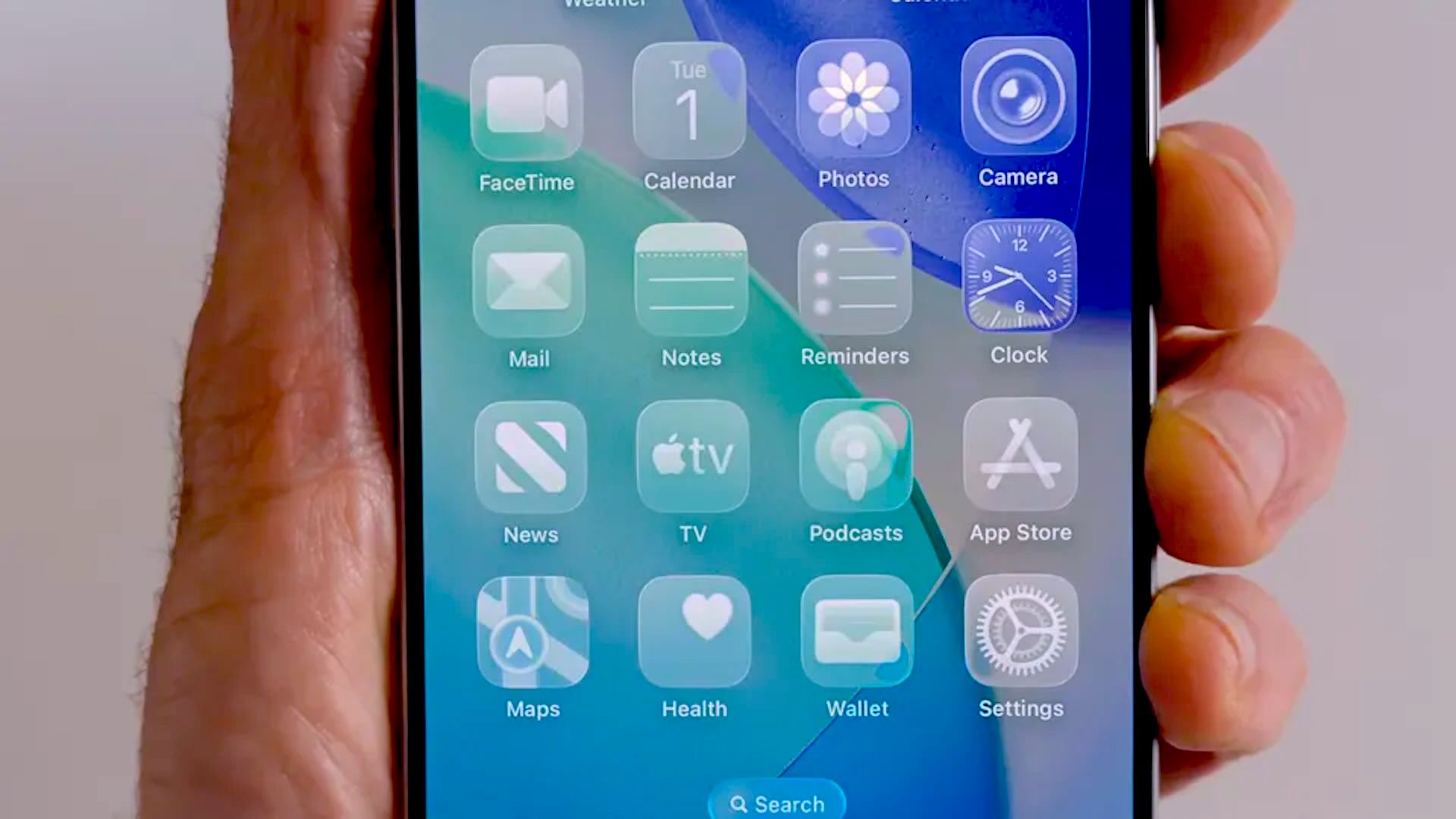
Album pages are also getting a redesign, though Apple hasn’t shown the full treatment yet in the current beta. That lines up with the broader UI work in iOS 27, which is continuing Apple’s Liquid Glass push with a few more customization options. On top of that, testers have spotted subtle changes across the app, including adjusted button behavior and a more flexible look that can lean either more translucent or more tinted, depending on how you want the interface to feel.
There’s more going on under the hood than just a visual tidy-up. Apple is expanding lyrics translation and pronunciation support in Apple Music, which should help listeners understand and sing along with more songs in more languages. Translation support grows to new language pairs including English to French, German, Italian, Korean, and Spanish, plus French to English and Japanese to English. Pronunciation support is also broadening, covering combinations such as English to Hangul and Katakana, and Arabic to Romanized Arabic. Those features first arrived in iOS 26, but iOS 27 makes them far less limited.
AutoMix is getting attention too. Apple’s AI-assisted transition feature, which works a bit like a smarter crossfade, is being refined with better transitions in iOS 27. It’s also spreading beyond the devices that supported it first. Apple plans to bring it to tvOS and HomePod, which is a notable shift for a feature that initially felt very iPhone- and Mac-centered. Apple says the feature still requires a paid Apple Music subscription, and it remains unavailable on older Intel Macs.
That broader rollout matters because Apple seems to be treating AutoMix as part of a larger push toward more seamless playback across its ecosystem. It fits the same pattern as the company’s other recent music changes, like the iOS 26.4 Playlist Playground update and the quieter refinements Apple has been making across its software stack. If Apple can make transitions feel smoother without making them distracting, AutoMix could end up being one of those features people stop noticing because it just works.
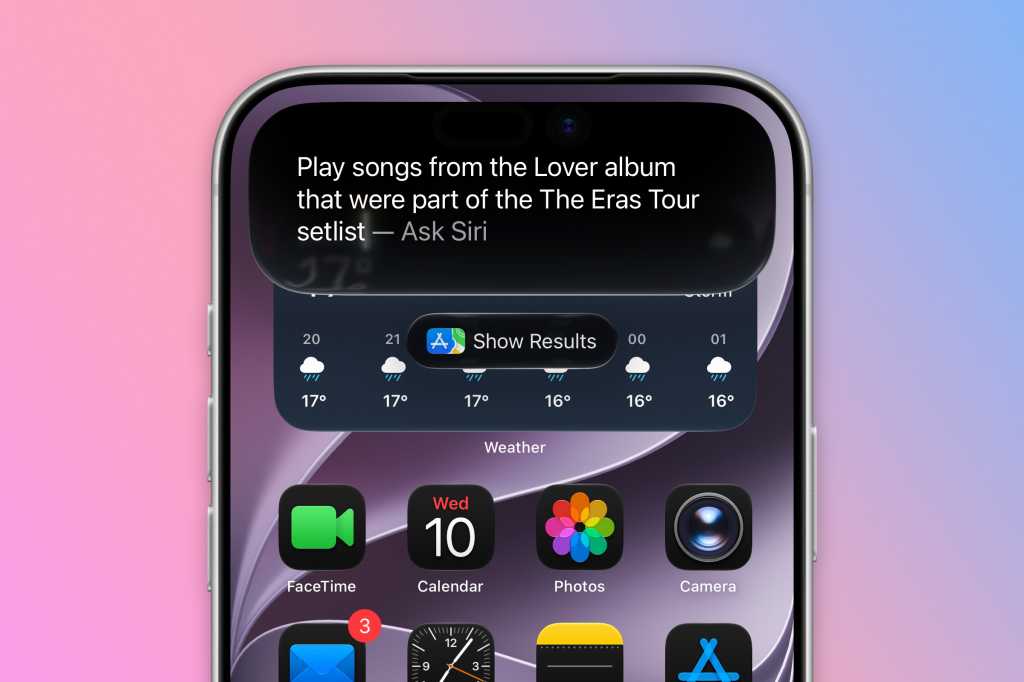
Siri is getting pulled into the mix, too. Apple has been laying the groundwork for a more capable assistant in iOS 27, and Apple Music is one of the places where that should matter most. In practice, that could mean asking Siri about an artist, a song, or a recommendation and getting a more natural follow-up experience when you want to play something immediately. Apple has been talking a lot about a smarter Siri across iOS 27, including a standalone approach for the assistant in broader iOS 27 AI work, and Music is one of the clearest places where that ambition could show up in daily use.
Then there’s the less glamorous update, which may actually be the most useful one: faster, more reliable streaming. Apple says iOS 27 improves loading and playback behavior, especially when connections are weak or congested. That should make album art and the Now Playing screen load faster, and it should cut down the lag between tracks. For a streaming app, that kind of polish matters more than most flashy features. Nobody wants to tap a song and wait.
Apple also appears to be making Apple Music more comfortable to use in smaller ways. The Now Playing widget on the Lock Screen can now be swiped away, and the app’s overall responsiveness should improve in low-bandwidth situations. None of this screams headline feature, but it does add up. Apple Music in iOS 27 feels less like a major overhaul and more like a careful cleanup that makes the service easier to live with.
That’s probably the right move. Apple spent iOS 26 on a big round of changes, including new visual ideas and larger feature additions, so iOS 27 looks like the kind of update that takes those ideas and makes them less awkward. In a crowded streaming market where people notice speed, clarity, and small frustrations more than marketing slides, that may be exactly what Apple Music needs.