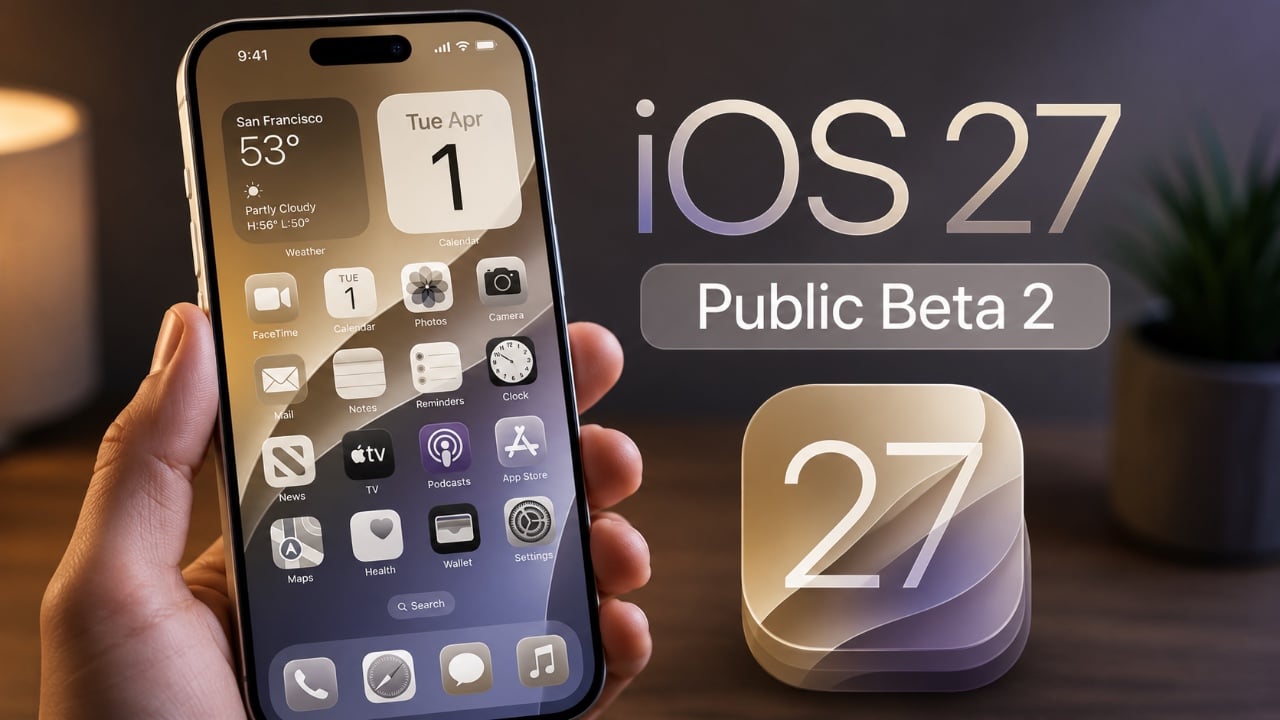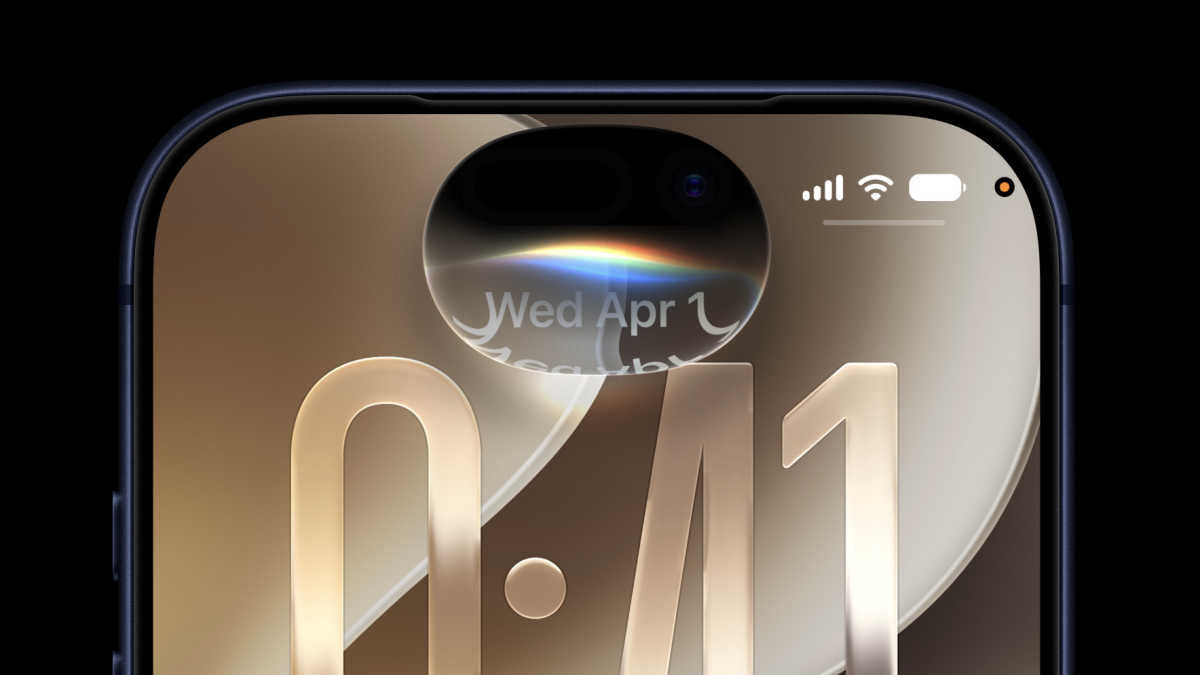
Apple’s second iOS 27 developer beta is starting to look less like a cleanup release and more like a preview of the company’s next big software push. Siri is getting more capable, Wallet is picking up genuinely useful tools, and a handful of smaller changes suggest Apple is trying to make AI feel less like a separate product and more like something quietly woven into everyday tasks.
A lot of the attention still lands on Siri, for obvious reasons. Apple’s assistant is in the middle of a long overdue overhaul, and beta 2 adds a new “Write with Siri” button at the top of the keyboard in apps like Messages, Notes, and Mail. That matters because it removes a clunky extra step: instead of selecting text first, you can jump straight into Siri-assisted writing. Apple also tweaked the standalone Siri app so you can now select and delete multiple conversations at once, which sounds minor until you’ve spent too much time cleaning up a messy chat history.
There’s also a new Visual Intelligence setting tucked into Siri preferences for “Highlight to Image Search.” It’s off by default, and Apple says highlighting subjects to find similar images may send the image to third parties for results. A separate voice customization area is still incomplete, but at least the missing Pace and Expressivity controls now carry a “Coming Soon” label instead of pretending to exist. One catch remains unchanged: these newer AI features won’t be available in the European Union yet, where Apple is still sorting out regulatory issues.
Wallet is getting more ambitious, too. Apple is adding an Insights feature that can connect financial accounts and show spending trends, recurring charges, and balances in one place. It’s not fully working in beta 2, but the direction is clear: Apple wants Wallet to be more than a place for boarding passes and payment cards. Pass creation is also getting a polish pass of its own, with a new texture option alongside colors when making digital passes.
Elsewhere in Wallet, Apple is laying groundwork for more polished passes and more flexible card formats. The broader push fits a pattern that’s been building for a while: Apple keeps nudging the iPhone toward becoming a real wallet replacement, not just a payment terminal. That includes support for richer passes, more actions on a pass, and stronger tools for developers building them.
The camera and photos apps didn’t get headline-grabbing changes, but there are still a few useful touches. Camera buttons now show yellow highlights when a hidden feature is enabled, and Photos can use AI tools on RAW images. The Weather app is cleaner, wind speed is easier to read, Messages now supports replies to specific texts from Android users, and the Home app can remotely update an Apple TV. None of that is flashy, but it does make the beta feel more finished.
Apple is also experimenting with a broader set of practical AI features that go well beyond Siri. In the latest build, the company is testing bill splitting with Apple Cash, which uses Apple Intelligence to read a receipt and figure out who owes what. That feature lines up with other AI helpers Apple has been seeding across iOS 27, like smarter Messages suggestions, calendar event creation from natural language, call-screen context for customer service calls, and even a way to generate Shortcuts just by describing what you want.
Some of the more interesting additions are the least showy. Safari can organize tabs by topic using Apple Intelligence, which should be handy for anyone with 19 browser tabs open for the same trip. The Home app can collapse a flood of smart-home alerts into a single, sensible notification. And in Wallet, the new account insights feature points to Apple’s bigger play: if the company can make the iPhone useful for tracking money, managing passes, and handling everyday tasks without making the experience feel cluttered, it could become the one app users keep coming back to.
There’s also a subtle hardware story running underneath all of this. iOS 27’s new extra-large widgets, shown off more fully in recent beta coverage, hint at a future where bigger iPhones — and especially a possible foldable — have room to display a lot more at once. Calendar, Music, Notes, Photos, Reminders, Stocks, TV, Weather, and a few other apps all pick up a new oversized widget format that takes advantage of the added screen real estate.
Apple still has plenty of rough edges to sand down before iOS 27 ships this fall, and developer beta 2 is exactly the sort of release meant to expose them. But the shape of the update is already becoming clear. Siri is getting a little less awkward, Wallet is getting more useful, and the rest of iPhone software is slowly being taught to do more of the busywork for you without turning every screen into a chatbot.