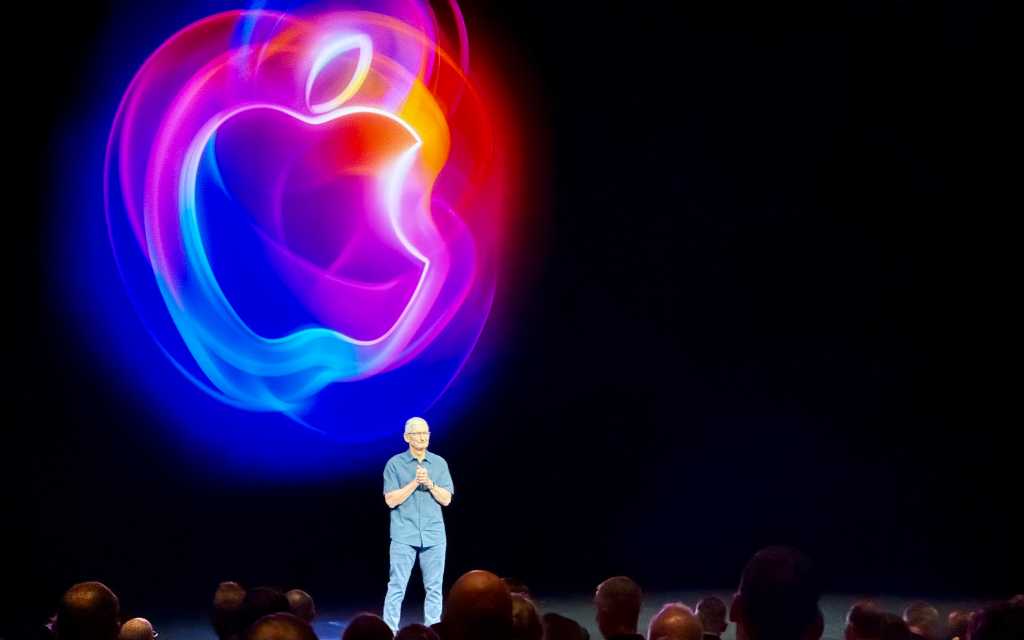
Apple spent much of WWDC 2026 talking about the future, but the most interesting part of the company’s latest software cycle may be how deliberately unglamorous it feels.
After two years of rushed-sounding AI promises, messy interface changes, and a lot of “trust us, it’ll make sense later,” Apple is clearly trying a different tactic with iOS 27, iPadOS 27 and macOS 27 Golden Gate. The company is still leaning hard into Siri AI and other Apple Intelligence features, but this time the pitch is less about spectacle and more about making the whole stack feel finished. That extends all the way from the developer tools to the window corners.
Apple has already started seeding the next round of design resources for developers. On its Design Resources portal, Apple has posted updated UI kit files for iOS 27, iPadOS 27 and macOS 27 Golden Gate, currently in Sketch format, with Figma resources promised soon. The package includes refreshed light and dark mode assets for common interface elements such as buttons, headers, lists, input fields and alerts, plus system app icons and an updated App Icon Template in Sketch, Photoshop, Illustrator and Figma.
That may sound like the dullest possible WWDC follow-up, but it matters. Apple is trying to make life easier for the people who actually have to build for its platforms, and that tends to be where the company’s software mood becomes visible first. The new resources also sit alongside the broader library already available for older releases and other platforms, including watchOS, tvOS and visionOS.
macOS Golden Gate is where the shift is most obvious. Apple’s new desktop release looks like a partial course correction after the Liquid Glass experiments in macOS Tahoe drew plenty of complaints. The updated interface tones down some of the blur-heavy confusion, restores a more conventional toolbar treatment, brings back color in sidebar icons and standardizes the corner radius across windows. It’s the sort of cleanup that can seem minor until you actually use the Mac for a living. Then it feels overdue.
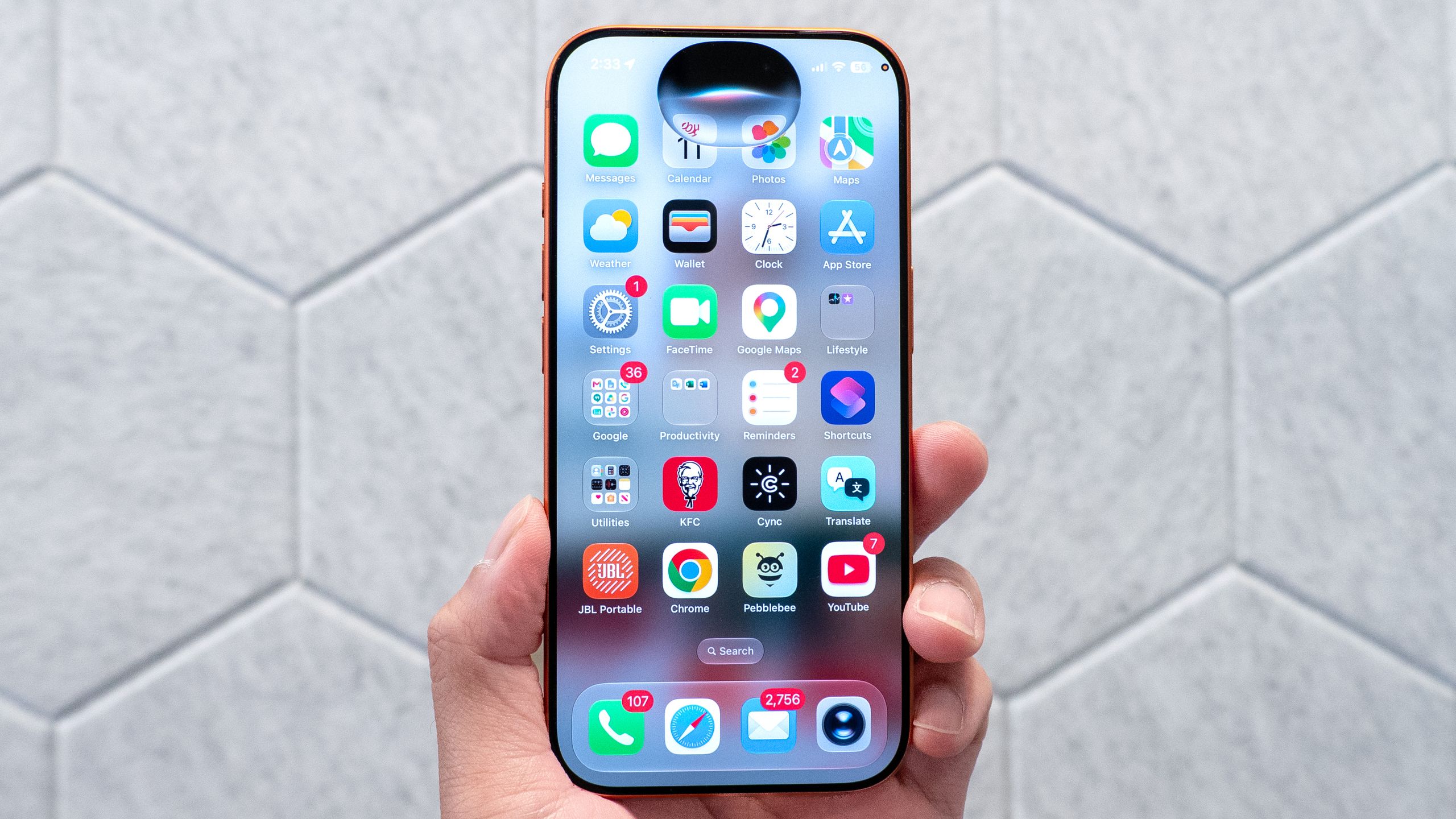
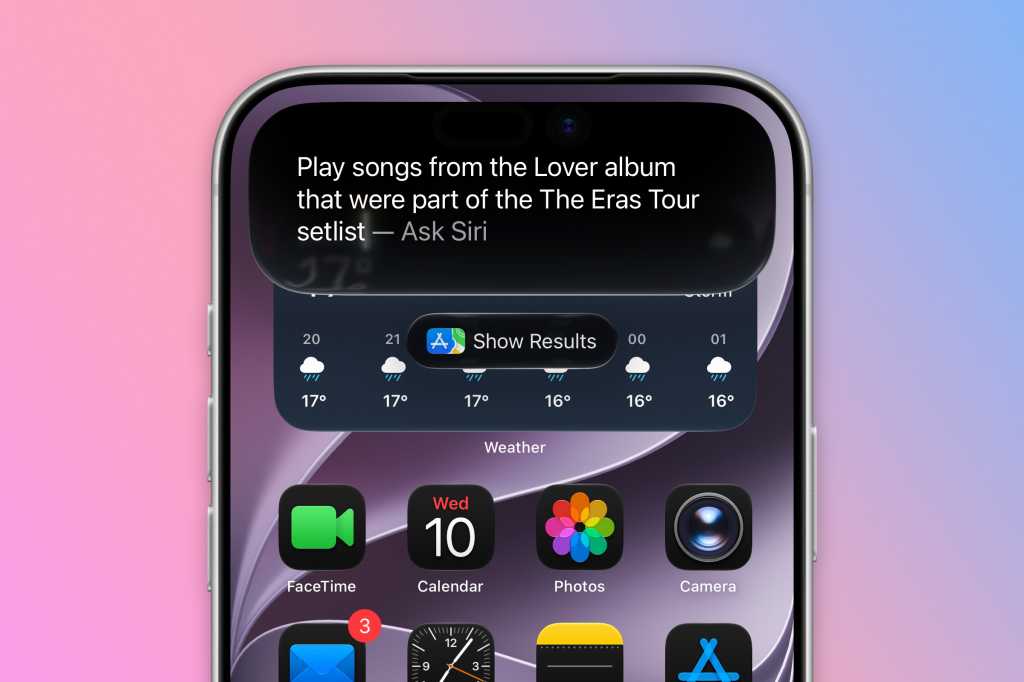
That same “fix the friction” approach shows up in some of the more technical changes too. Apple is now letting developers and power users dig into Siri AI on macOS 27 Golden Gate before they’ve cleared the waitlist. MacRumors noted a Terminal workaround for testers on the developer beta, and while that kind of command-line trick is not exactly casual-user territory, it does underline how aggressively Apple is opening up its new assistant on the Mac. Siri now has a dedicated app, deeper systemwide integration through Spotlight and context menus, and better access to personal context across mail, messages, photos and files.
On the creative side, the company is also pushing further into automation. Shortcuts is one of the clearest examples of where Apple’s AI strategy starts to feel genuinely useful rather than merely impressive. In demos and early hands-on reports, users could type plain-English requests like “give me a summary of my day’s events and to-do’s every day when I wake up” and have the system build a working shortcut. It’s not flawless, and third-party apps remain a limitation, but the direction is unmistakable. Apple wants people to describe a task, not assemble it piece by piece.
That idea fits neatly with the broader reset Jason Snell described in Macworld’s analysis of the WWDC mood: less sprinting, more sanding down the edges. Apple seems to have learned that trying to ship the future too quickly can backfire. The current cycle feels more like an effort to earn back trust, especially after the uneven AI rollout and the uneven UI changes that followed.
Siri AI isn’t the only new feature getting attention either. The OS 27 cycle also leans into quality-of-life changes that are easy to overlook in a keynote but easy to appreciate afterward. On the Mac, Apple is refining transparency controls, improving performance in Spaces and Mission Control, and making the system feel a bit less abstract and a bit more grounded. Those are the kinds of details that won’t dominate a launch video, yet they can shape how a platform feels day after day.
There are still plenty of questions. Apple’s new assistant is not available everywhere yet, and some of the more advanced features are limited by region, hardware and language. The company’s big AI bet also remains tied to its own model choices and partnerships, which means today’s polished demo can still turn into tomorrow’s compatibility headache. That’s part of why the developer resources matter so much: Apple is asking the ecosystem to build around a moving target, even as it tries to stabilize the ground underneath it.
If the current cycle is any guide, though, Apple would rather be accused of being cautious than caught overpromising again. Between the design files, the cleanup in Golden Gate, the renewed focus on Siri AI, and the smarter Shortcuts experience, the company’s 2026 software story is less about a single jaw-dropper and more about trying to make its platforms feel coherent again. After the last couple of years, that may be the boldest move of all.
For developers tracking the new releases, the updated Siri AI workflow in iOS 27 and Apple’s stability-first software reset are worth a close look, especially if you’re building for a year that seems determined to reward polish over flash. And if you’re wondering how far Apple is willing to go with this assistant push, the company’s iOS 27 Siri changes are becoming easier to spot with each beta.