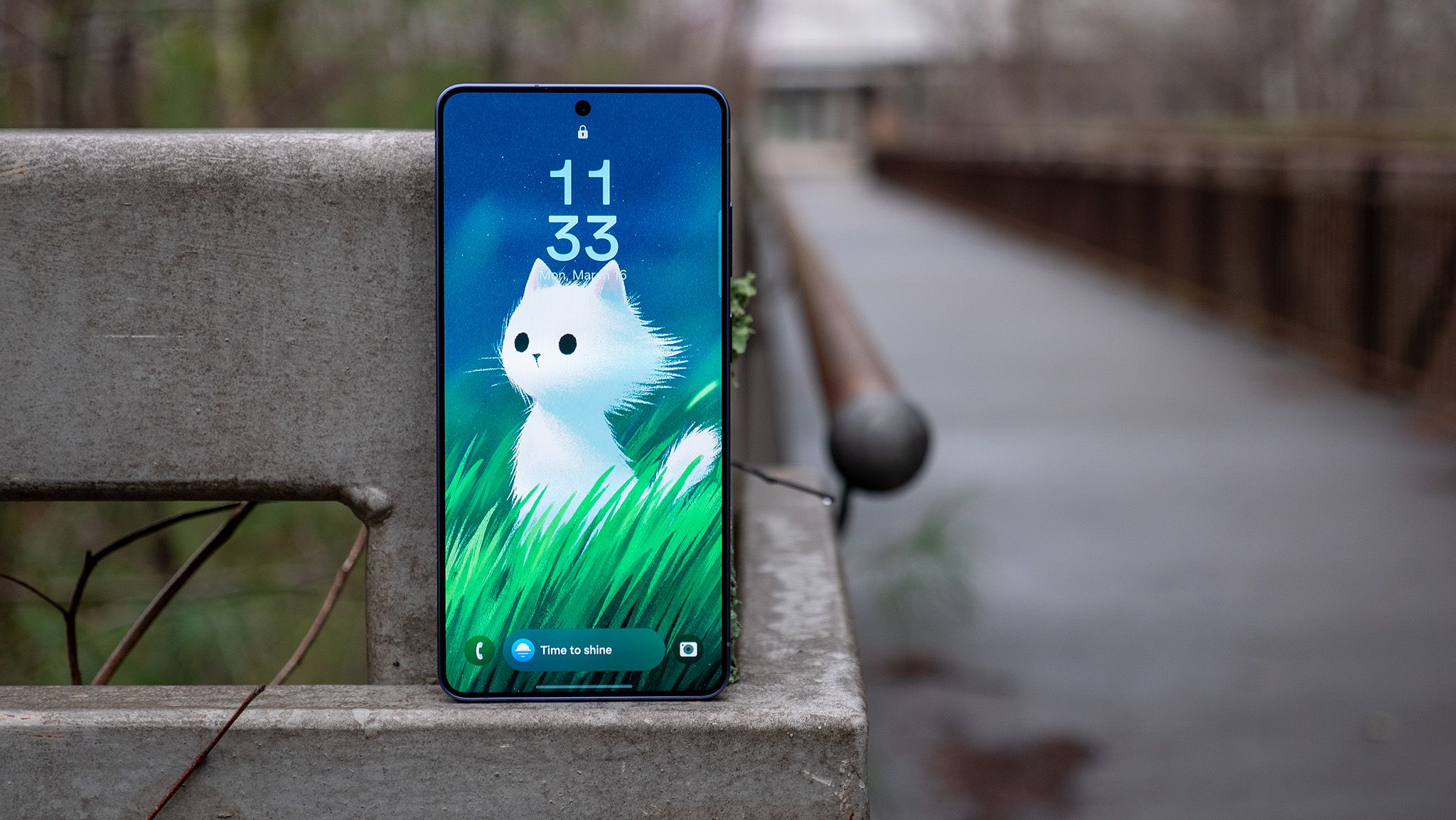
Samsung is quietly changing one of the simplest things you can do on a phone: turn it off.
In the One UI 9 beta, opening the power menu on a Galaxy device appears to trigger a security check that blocks biometric unlock methods and sends you back to the lock screen once you leave the menu. In practice, that means a thief who grabs your phone may have a much harder time killing it before you can track it, lock it, or wipe it remotely.
The behavior was first spotted by testers in Samsung’s beta build and confirmed by multiple reports from people poking around the new software. The old power menu still shows up in the usual way, but the familiar Lockdown Mode button is gone. Instead, simply entering and dismissing the menu seems to be enough to flip the phone into a more defensive state.
That’s a bigger deal than it sounds. On current Galaxy phones, Lockdown Mode is already a useful anti-theft tool: it disables fingerprint and face unlock, then demands a PIN, password, or pattern before the device can be used again. The catch is that you have to remember to enable it yourself, which is fine if you’re preparing for a sketchy situation but less helpful if everything happens in a split second. Samsung’s new approach removes that extra step.
The change also looks a lot like the kind of protection Apple has leaned into on iPhone, where certain security states are designed to kick in quickly when physical access is the main threat. On Android, this kind of hard lock is especially relevant because thieves often try to cut off connectivity or shut the phone down before the owner can act. Google has spent the last year tightening theft protections too, including stronger lockout behavior and better recovery tools, and Samsung’s move fits neatly into that broader push. If you’ve been following the steady march of anti-theft features across Android, this feels like another step in the same direction — not flashy, but practical, like Google’s theft-focused Android protections getting smarter about who gets to keep using your phone.
There’s one important wrinkle: this still appears to be beta software, and Samsung could tweak or even walk back the design before One UI 9 ships widely. Right now, the change is showing up in beta 2, and the reports suggest biometrics are fully disabled while the phone sits in this state. If you leave the power menu without confirming anything, the device doesn’t just drop you back into your app — it returns straight to the lock screen, where only your PIN, password, or pattern will work.
That extra friction may annoy some Galaxy owners, especially anyone used to bouncing in and out of the power menu without thinking. But that’s sort of the point. Security features are often most effective when they’re a little inconvenient for the wrong person. Samsung seems to be betting that a one-tap path into lockdown is a better trade-off than hiding the feature behind a deliberate menu choice.
It’s not the only security tweak Samsung has been exploring lately, either. The company has already shown a willingness to tighten little interface details when it thinks they’ll help users keep control of their phones, from One UI 8.5’s quieter restrictions on customization to broader lockscreen and privacy changes in recent builds. Seen in that light, the power-menu shift looks less like a random experiment and more like Samsung trying to make Galaxy phones harder to abuse in the real world.
For anyone who has ever watched a phone disappear into the wrong hands, the idea makes immediate sense. A stolen phone is most vulnerable in those first few seconds, before the thief can power it down, disable radios, or get past the lock screen. If One UI 9 can turn the simple act of opening the power menu into an automatic security reset, that’s not just a software tweak. It’s a small but very pointed obstacle in the way of someone trying to walk off with your data.