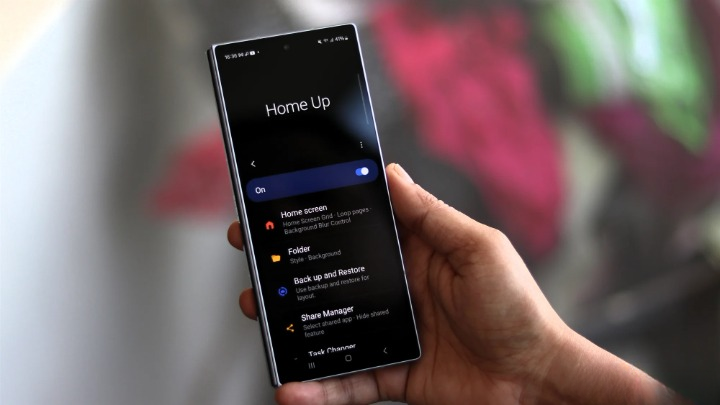
Samsung is about to make the Galaxy home screen a lot more personal — and a little more powerful — with a Home Up update tied to One UI 9.
Early builds of the Good Lock module show two upgrades that feel less like cosmetic tweaks and more like Samsung finally paying off a long-running wishlist: a customizable dock and a much more flexible multi-finger gesture system. In other words, the part of your phone you use every day is getting real attention, not just another polish pass.
The dock stops being generic
The first change focuses on the Favorites tray, or dock. Samsung appears ready to let users shape its look far beyond the current defaults. According to early screenshots shared by Galaxy Techie, the dock can take on different backgrounds, blur and shadow effects, custom images, color choices, transparency controls, and even adjusted corner radius and padding.
That means the dock no longer has to look like the same flat strip of app icons Samsung has used for years. You’ll be able to make it blend into your wallpaper, stand out with a solid color, or sit somewhere in between. For people who obsess over home screen layouts, that’s a bigger deal than it sounds.
This kind of control puts Samsung closer to the deeper home screen tuning Android fans expect, and it fits with how Good Lock has evolved over time. The app already lets users reshape folders, grids, share menus, widget sizing, and layouts. One UI 9 just seems to be pushing that philosophy further.
A screenshot gesture people have been asking for
The bigger headline, though, is multi-finger gestures. Samsung’s Home Up is reportedly adding support for gestures using up to five fingers, with separate actions for swipes, pinches, taps, double taps, and long presses.
That opens the door to a lot more than screenshots. Users can map gestures to switch apps, go home, open the recents screen, launch search, adjust brightness, or control volume. But the screenshot angle is likely to get the most attention, especially because Samsung has leaned on the palm swipe method for so long while brands like OnePlus and several Chinese Android makers made three-finger screenshots feel almost standard.
If you’ve ever moved between ecosystems, this may feel refreshingly familiar. A three-finger swipe down is probably the obvious crowd-pleaser, but Samsung’s approach goes much further. One report suggests there may be as many as 36 possible gesture combinations once you count different finger counts and gesture types. That is a lot of options — possibly more than most people will ever need, but flexibility is the entire point.
Some of those extras are surprisingly thoughtful. The feature reportedly includes sensitivity controls, visual glow effects, vibration feedback, continuous volume and brightness swipes, and even exclusions for certain apps or situations such as fullscreen mode or the keypad. That makes the gestures sound less like a gimmick and more like something people could actually live with day to day.
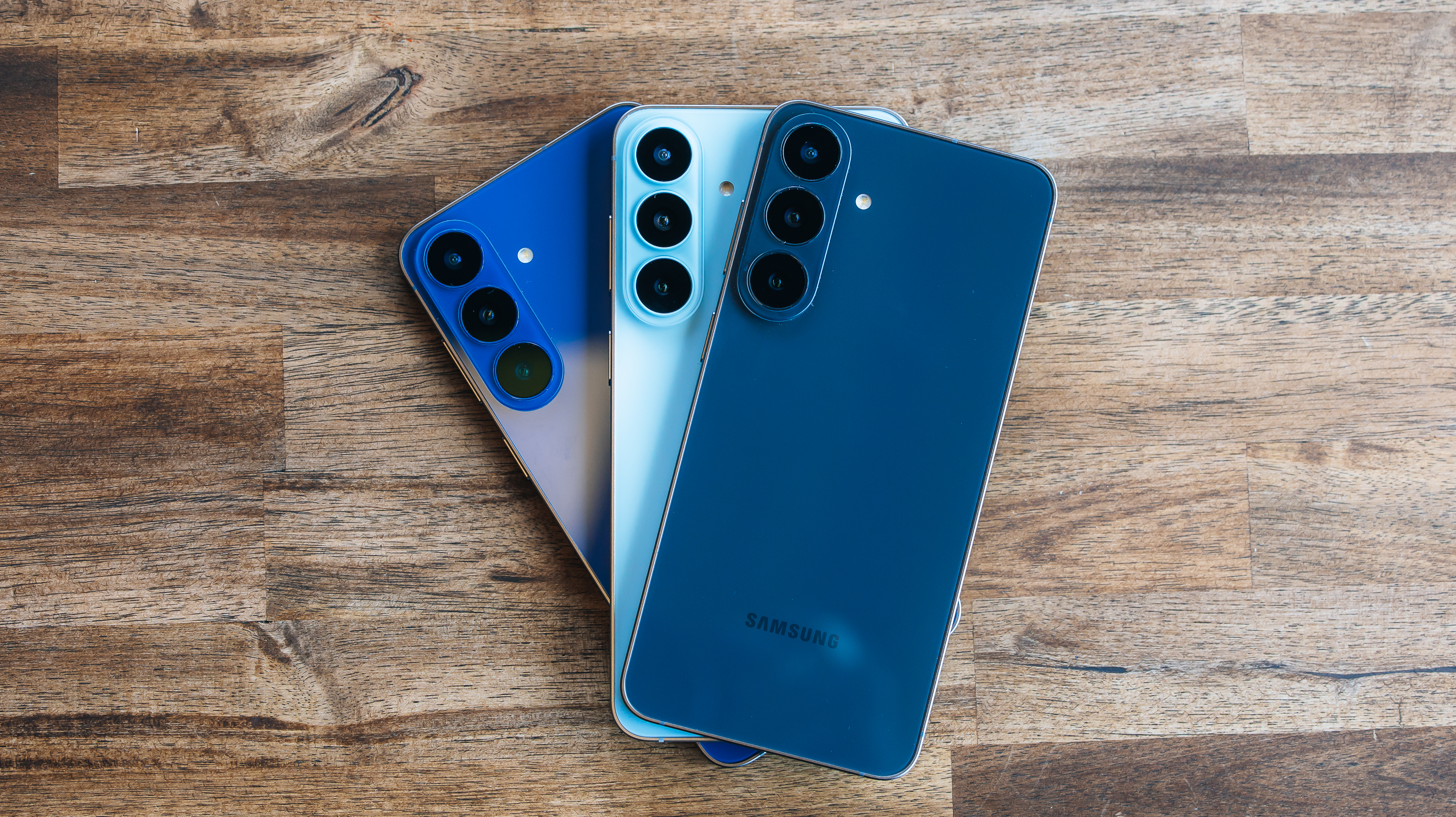
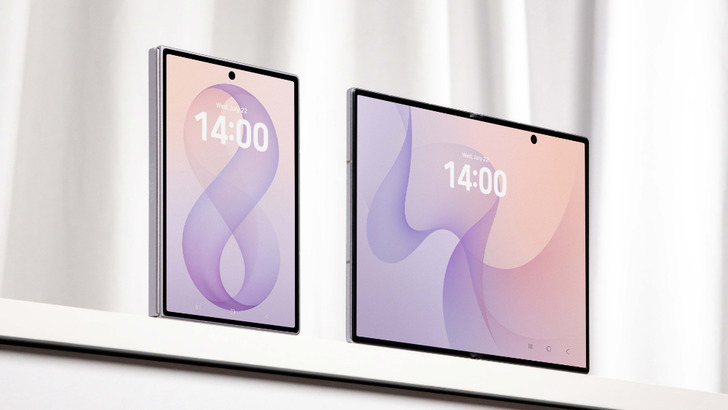
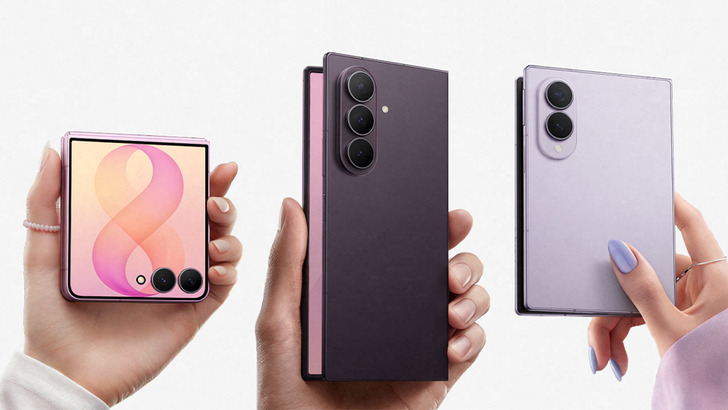
Samsung’s broader One UI 9 work is also showing up in other corners of the system. The update is expected to launch first on the next foldables, including the Galaxy Z Fold 8 and Flip 8, before landing on older devices. It is already showing up in beta form on the Galaxy S26 lineup, and One UI 9’s wider homescreen changes suggest Samsung is leaning into customization in a bigger way than it has in recent years.
That matters because home screen behavior is one of those things people notice constantly, even if they never talk about it much. A dock that reflects your taste and gestures that match muscle memory from other phones can make a device feel far more natural. It’s the kind of update that doesn’t scream from a keynote slide, but users feel it every single day.
Samsung hasn’t officially detailed the rollout yet, but the Home Up features appear to be in the testing and verification stage. If they do go live with One UI 9 as expected, Galaxy owners may soon have one of the most customizable home screens on Android — and a much better way to take screenshots while they’re at it.
For Samsung fans who like to tinker, that’s probably the most encouraging part of all.