Google’s latest Android 17 beta doesn’t arrive with a splashy redesign, but it does fix a long-running annoyance Pixel owners have been complaining about for years: the status bar is finally getting some real controls.
In Android 17 QPR2 Beta 4, Google has added a new Status bar menu in Settings under System, with a second entry surfaced from Notifications. It’s a small thing on paper. In practice, it’s one of those quality-of-life changes that makes a phone feel a little less rigid and a lot more personal.
The new controls are split into two buckets. For notification icons, Pixel owners can now choose between All, Priority only, and None. Priority only is the default, which means Google is trying to keep the top of the screen from turning into a cluttered parade of app alerts. On the system side, there are toggles for Mute, Vibrate, and Battery percentage. Two of those aren’t exactly new ideas in Android as a whole, but they’ve been conspicuously absent — or at least hard to manage in one place — on Google’s own phones.
That’s what makes this update interesting. Other Android makers have treated status-bar control as table stakes for years. Samsung, OnePlus, and others have long let users decide how much of that tiny strip of information they want to see. Pixel software has historically stayed more opinionated. Cleaner, sure. Also less flexible. This nudges Google a little closer to the customization-heavy Android experience many users assumed they already had.
It’s not the only visible change in Beta 4 either. Google is also rolling out a Voice broadcast Quick Settings tile, a new Notification intelligence menu that gathers AI-powered notification summaries and organizer tools alongside Notification cooldown, plus new badges in Wallpaper & style. The build also tweaks the long-press menu and continues to polish the experience ahead of the stable release later this year.
For Pixel testers, the timing matters. Android 17 QPR2 Beta 4 has now reached platform stability, which means Google is past the point of making sweeping under-the-hood changes and is mostly in the bug-fixing and refinement phase. That’s usually when the software starts feeling less like a preview and more like a near-finished product.
And there are a lot of fixes here. Google says it addressed issues ranging from overheating and unexpected reboots to broken gesture navigation, screen mirroring failures with USB-C XR glasses, charging slowdowns near the 80% battery limit, and a launcher bug that could break text input while searching the app drawer. There are also fixes for call audio defaulting to the phone speaker, Recents rendering glitches, a screen-recording bug that blocked microphone access until reboot, and a low-contrast Wi-Fi icon that was almost impossible to see in dark mode.
If that list feels familiar, it’s because Android’s quarterly updates have increasingly become the place where Google quietly sands down rough edges that would otherwise annoy people every day. It’s the same story with Android 17 Beta 3’s charging and floating-app tweaks: the headline feature may get attention, but the real work is often buried in the fixes and small usability wins.
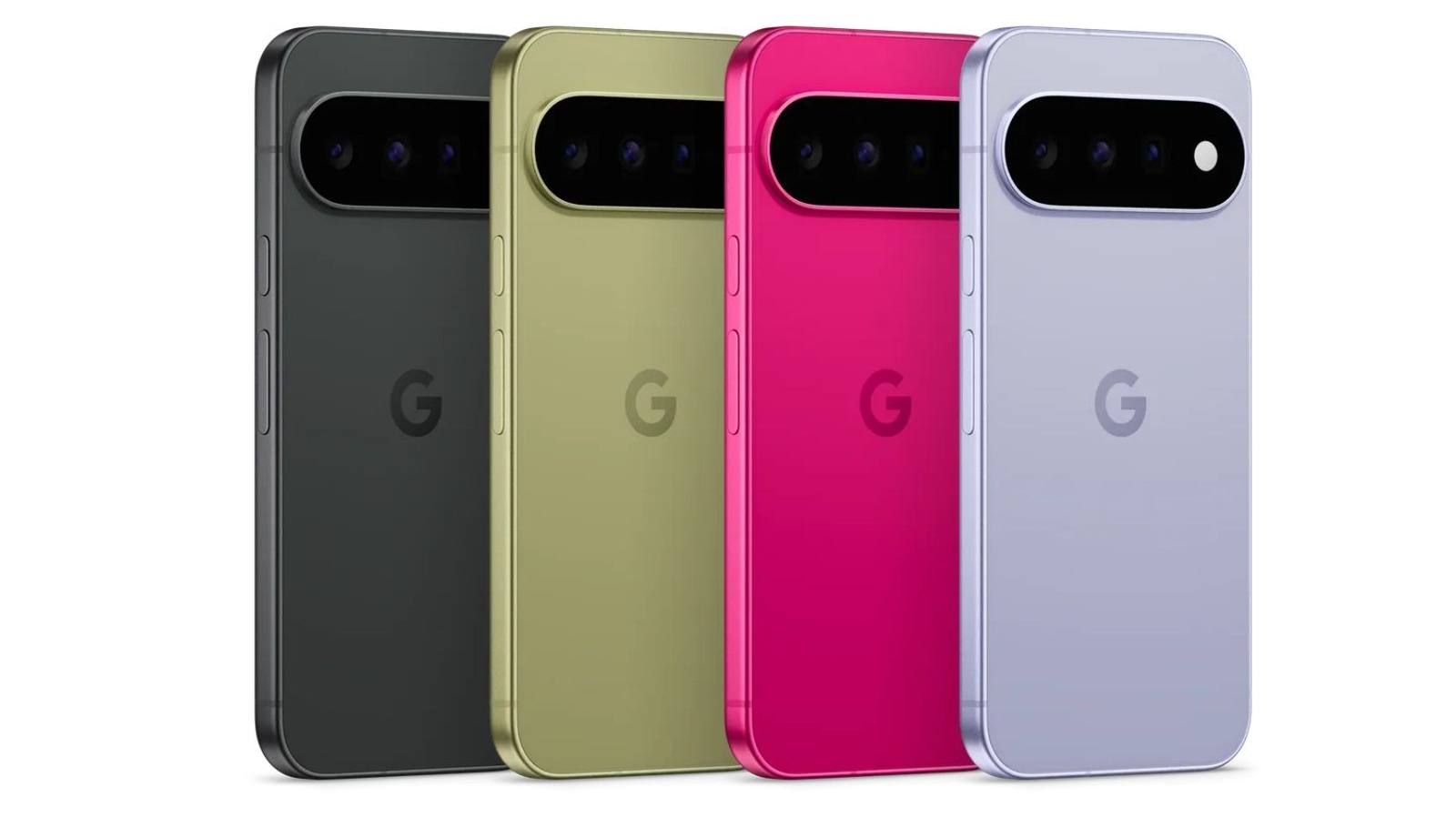
There’s also some device-specific housekeeping happening in the background. Pixel 11 support is still in the pipeline, with Google saying that build is coming soon. In the meantime, the current Beta 4 packages are available for a wide range of devices, though the Pixel 6 and Pixel 6 Pro are no longer part of the supported lineup. That tracks with Google’s normal software window, but it still stings a little for owners of older hardware who’ve been following the beta train this long.
The status bar change may not be dramatic enough to show up in a keynote demo, but it’s the sort of update people notice every single day. Notification dots, battery percentages, vibrate icons — these are the tiny fragments of interface users stare at dozens of times an hour. Giving people even a few more levers to control that space is a quiet admission that the old one-size-fits-all approach has worn thin.
Google has spent much of the Android 17 cycle talking up intelligence, automation, and polish. This one is less glamorous, but maybe more useful. A cleaner top bar. Fewer interruptions. Slightly more say over what your phone decides to announce at you. Sometimes that’s enough to make a beta feel like progress.