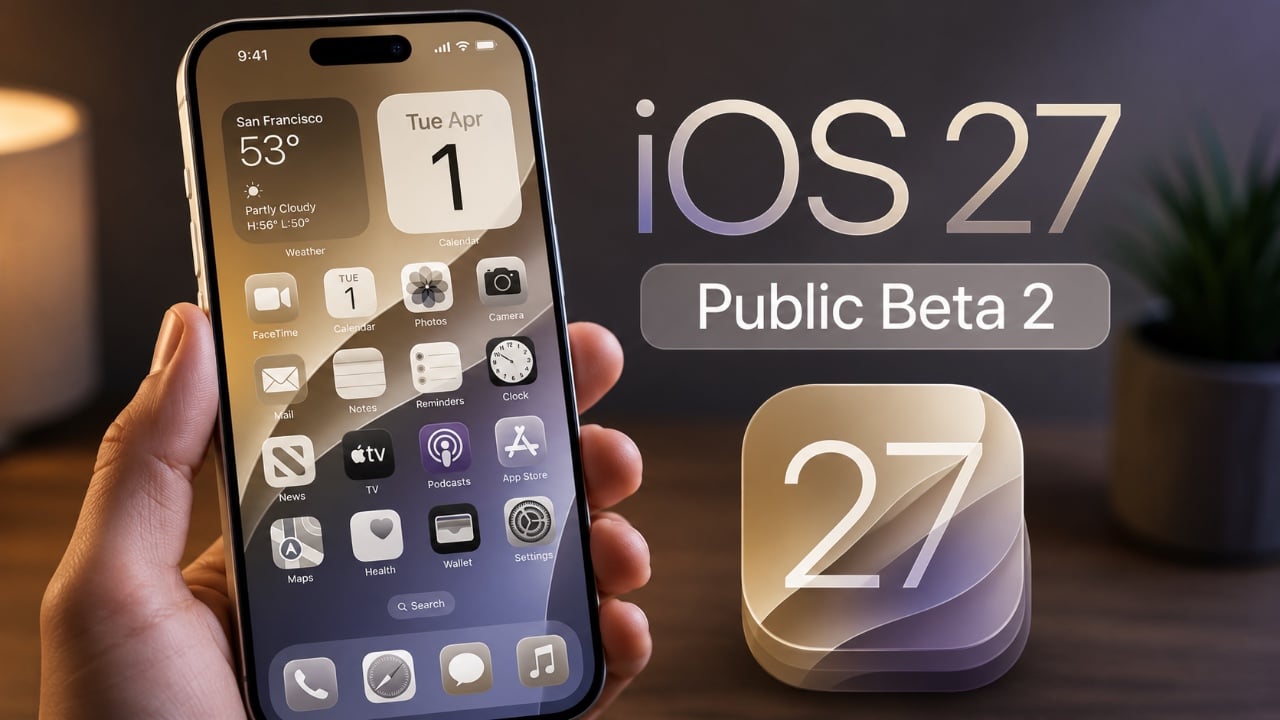
Apple has started pushing out iOS 27, and this year’s update is doing a lot more than polishing icons and nudging a few menus around. The headline feature is Siri AI, a redesigned assistant that Apple says is smarter, more conversational and better at working with the personal context already sitting on your device.
It’s also the clearest sign yet that Apple wants to make its AI pitch feel less like a demo and more like part of everyday phone use. Siri AI can look across messages, emails, photos and calendar data to help find details, answer questions about what’s on your screen, and even handle more complicated tasks across apps. Apple is rolling it out first as a beta in English, with more languages set to follow in October. Some users may still have to join a waitlist before they can try it.
The assistant isn’t staying trapped inside the usual Siri shell, either. Apple has added a dedicated Siri app that saves conversation history through iCloud, so a query started on iPhone can keep going on Mac, iPad, Apple Watch or Vision Pro. On the iPhone, Siri is also showing up in the Camera app through Siri mode, letting people ask questions about what they’re seeing or take action on the spot — like splitting a bill or adding a pass to Wallet.
Apple’s wider Apple Intelligence push touches more than the assistant. In Photos, new tools such as Spatial Reframing, Extend and an upgraded Clean Up feature aim to make edits feel more useful without shredding the original image. Image Playground now supports higher-quality, more varied image generation, including photorealistic styles, and Apple says images edited or generated by AI will carry metadata for identification, with support for the SynthID standard coming later.
Safari is getting its own set of AI-powered conveniences, too. Tabs can be organized into topics automatically, website changes like restocks or price drops can trigger notifications, and users can describe custom extensions instead of building them from scratch. In Mail and Messages, Siri AI can draft text in a user’s voice, drawing on familiar tone and punctuation. For people who live in Shortcuts, there’s a much friendlier way in now as well: Apple says you can describe an automation in plain language and let the system build it.
A bigger emphasis on safety and family controls
Apple is also leaning hard into child-safety tools in this release. The setup flow for child accounts has been redesigned so parents can choose exactly which apps a child can use from day one, then expand access gradually. A new Ask to Browse feature sends approval requests before kids open a new site in Safari, and Communication Safety now goes beyond the usual image warnings by detecting and intervening when gore or violent content appears in shared images or videos.
Screen Time has been reworked with a clearer dashboard, category-based time allowances for Entertainment, Games and Social Media, and schedules that can change which apps are available at different times of day. It feels like Apple is trying to move the whole system from “react after the fact” to something more proactive and easier to actually live with.
That same impulse shows up elsewhere in the update. Apple says iOS 27’s stability and performance tweaks are widespread: apps launch up to 30% faster on iPhone and iPad, photos can load much quicker after being taken, and AirDrop is faster too. iPad multitasking gets small but welcome improvements, while Mac users get smoother window handling and quicker network browsing. Even Apple Vision Pro is getting a boost, with Wi‑Fi connections reportedly starting up to three times faster.
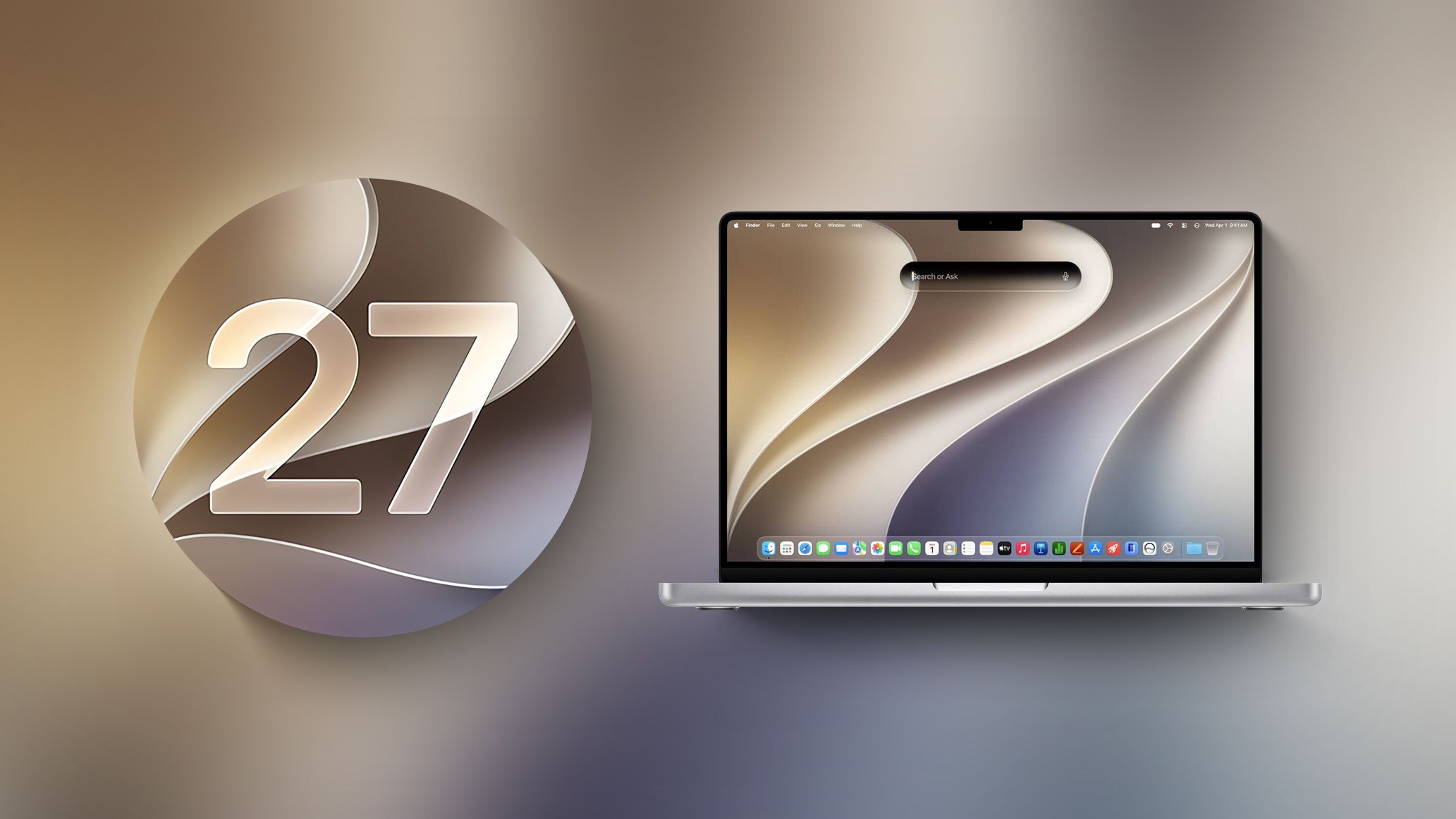
There’s also a noticeable cleanup pass across the interface. Liquid Glass, last year’s design language that divided opinion, now has a new slider in Settings that lets people tune the effect from ultraclear to fully tinted. App icons have been sharpened up as part of the broader design refresh, which should help the system feel a little more focused and a little less flashy-for-flashiness’ sake.
Not just an iPhone story
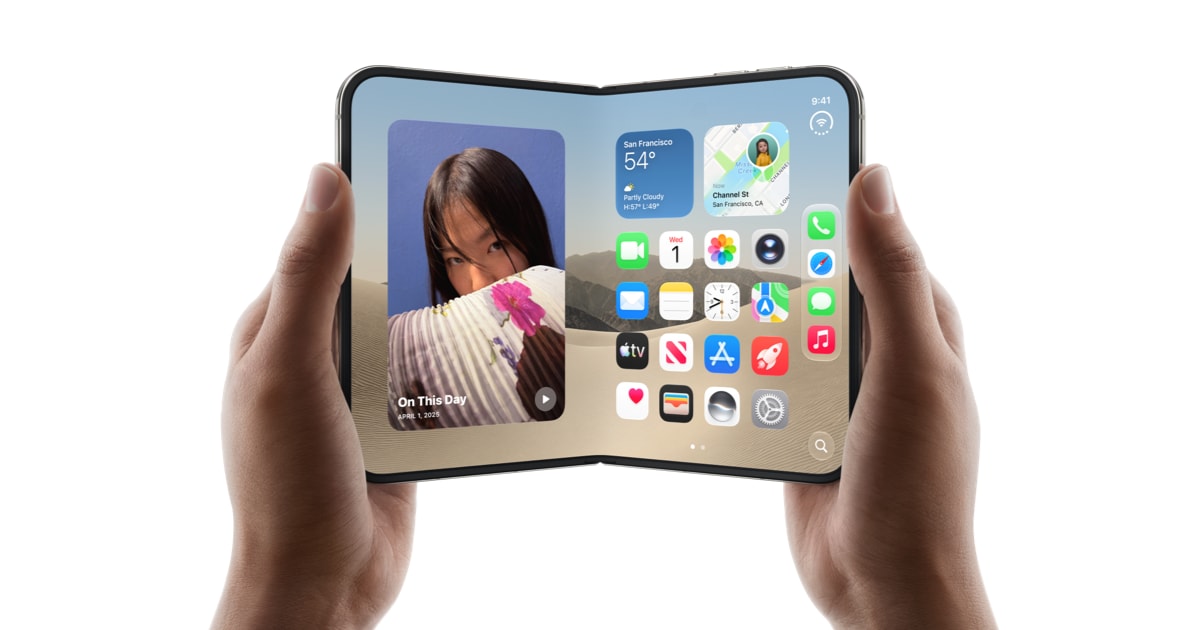
A lot of the buzz around iOS 27 will naturally center on the iPhone, but Apple is treating this as a platform-wide release. iPadOS 27, macOS 27, watchOS 27, visionOS 27 and tvOS 27 are all rolling out alongside it, with the same emphasis on speed, AI integration and smaller quality-of-life fixes.
That means there are plenty of smaller additions scattered around Apple’s ecosystem. Shared Albums now support full-resolution sharing and easier contributions from Android and Windows users. The Health app adds support for perimenopause and menopause in Cycle Tracking. AirPods users can tweak sound with custom EQ, while AirPods Pro 3 owners can sync heart-rate data through iPhone during workouts. Apple Watch gets smarter Smart Stack widget suggestions and a new single-handed tap gesture for opening them. Vision Pro users can turn panoramas into spatial scenes, while Apple TV gains lossless high-resolution Apple Music audio and a redesigned Podcasts app.
Apple’s smart home push is getting a much bigger reaction for a different reason. As The Verge noted, the new Apple Intelligence features for HomeKit Secure Video come with a steep subscription climb: AI-generated video summaries, video search and multi-camera clip stitching are tied to pricier iCloud Plus and Apple One tiers, with costs rising sharply as users add more cameras. It’s one of the clearest reminders that Apple’s AI future may be as much about subscriptions as software.
That tension between flashy capability and real-world cost also hangs over Siri AI itself. Apple says certain cloud-backed Apple Intelligence features will be subject to daily usage limits, with expanded access coming later for a fee. In other words, the company is making a big show of convenience while keeping a close eye on how much of it stays free.
Availability is uneven, too. Siri AI is rolling out in English first, with French, Japanese, Korean, Portuguese and Spanish support coming next month. Apple says it won’t be available at launch in iOS, iPadOS and watchOS for EU users, though Mac and Vision Pro users in the region will be able to access it if their language is supported. China is off the board for now while Apple works through regulatory requirements.
The hardware requirements are just as selective. Siri AI and the other Apple Intelligence features need supported devices, including iPhone 15 Pro and later models, certain iPads and Macs, Apple Vision Pro, and recent Apple Watch models paired appropriately. So while iOS 27 is broadly available, the newest AI tricks are still living in a relatively narrow lane.
For Apple, that may be the point. The company has spent the past year talking less about a single killer feature and more about a system that feels faster, more personal and a bit less fussy. iOS 27 is the first release where that strategy really shows up everywhere at once — in the assistant, in the camera, in Photos, in parental controls, in the little interface choices that shape how a phone feels after a month of use.
And if you want the larger context, this is also part of a broader run of Apple software changes that have been building through the year, from iOS 26’s quieter workflow tweaks to the more recent standalone Siri and multitasking extensions tests. iOS 27 is Apple trying to turn all of that into something that looks, finally, like a coherent AI era.