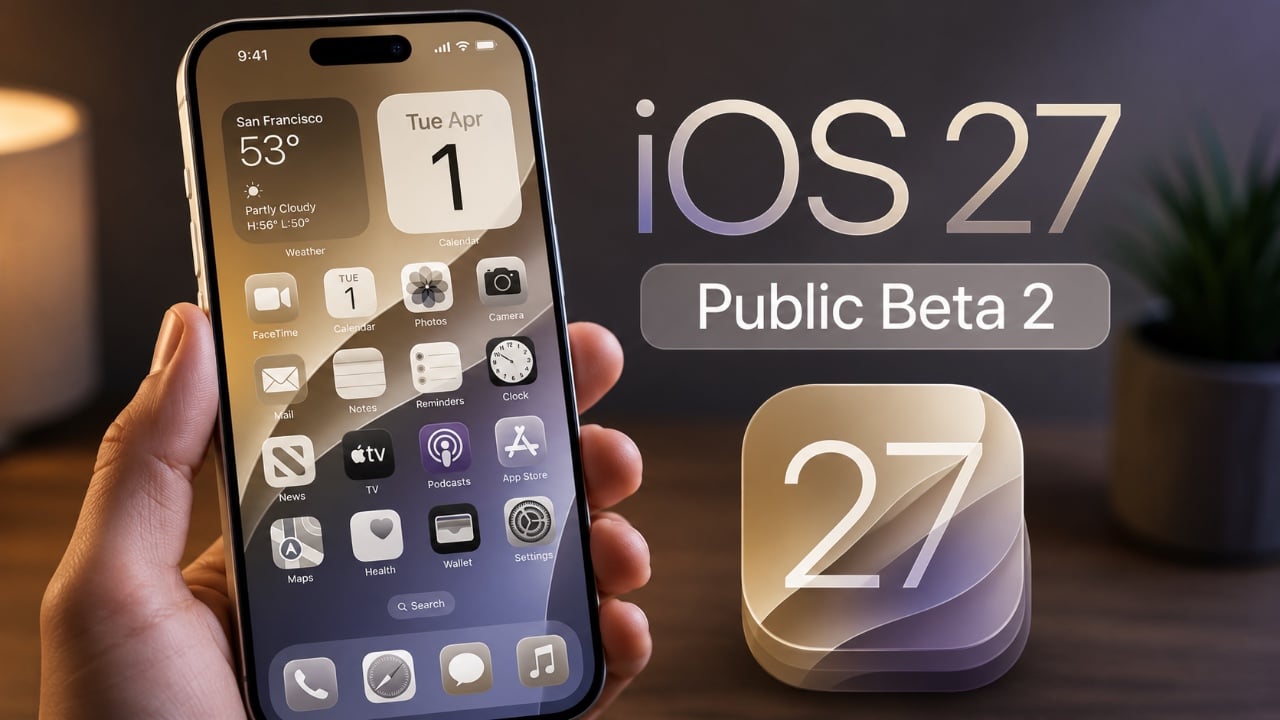
Apple’s beta train is now well into its late-summer sprint. On Monday, the company released public beta 4 for iOS 27, iPadOS 27, tvOS 27 and macOS 27, with watchOS 27 joining the lineup a bit later in the day.
The timing lines up neatly with Apple’s developer cycle: these public betas arrived just hours after the sixth developer betas, which usually means the two tracks are nearly identical aside from who gets access first. In practical terms, that’s a sign Apple is mostly polishing now — fixing bugs, smoothing animations and cleaning up the rough edges before the final software ships this fall.
For anyone already following iOS 27, the big story remains the same: this is the year Apple is leaning hard into Siri and Apple Intelligence. The newest developer beta continues that push with broader AI upgrades across the system, from richer assistant interactions to smarter actions inside apps. Apple also keeps refining the visual side of the platform, including changes to Liquid Glass and performance tweaks that should make the software feel a little less beta-like with each round. The broader picture is already becoming clearer in Apple’s iOS 27 stability reset and in the Siri overhaul Apple has been testing behind the scenes, including a more capable assistant and a standalone app concept for revisiting conversations in Siri, Redesigned.
There are a few visible changes in this round, though Apple hasn’t packed the betas with flashy surprises. On the Mac side, beta 6 brought a new wallpaper, redesigned stoplight window controls in macOS Golden Gate, an updated Preview icon to match iOS, and a fix for the pinned Messages interface bug that showed up in beta 5. iOS also picked up a new notification animation. Small stuff, yes — but this is exactly the phase where Apple tends to sand down the experience rather than chase headline features.
The public beta builds are:
- iOS 27 Public Beta 4: 24A5418b
- iPadOS 27 Public Beta 4: 24A5418b
- tvOS 27 Public Beta 4: 24J5353b
- macOS 27 Public Beta 4: 26A5416b
- watchOS 27 Public Beta 4: 24R5353a
Apple briefly had a hiccup with the macOS build, but later re-released it with the corrected number. That sort of server-side wobble is pretty normal this late in beta season; anyone who has lived through Apple’s summer testing cycle knows that the downloads themselves can be less exciting than the bugs they’re meant to erase.
If you want to try the public beta, Apple still points users to its Beta Software Program. After enrolling with your Apple Account, you can head to Settings, open Software Update, and choose the public beta track for the device you want to test. Apple’s usual advice still applies: install beta software on a secondary device if you can, and make a recent backup if you’re putting it on your main iPhone.
The pace here also says something about Apple’s timing. With the official release getting closer, the company is now in the phase where features matter a little less than confidence. Stability, polish and compatibility are doing most of the work. That doesn’t mean the software is boring — just that the story has shifted from “what’s new?” to “does it finally feel ready?”