Apple spent a surprising amount of its WWDC 2026 keynote talking about kids, parents, and the messier corners of iPhone life. The company is rolling out a revamped Screen Time interface alongside a batch of new controls meant to make it harder for children to slip past limits, browse unsafe sites, or message people they shouldn’t. It’s a clear attempt to answer growing pressure from regulators, lawmakers, and advocacy groups — and to show that Apple wants to be seen as taking child safety seriously.
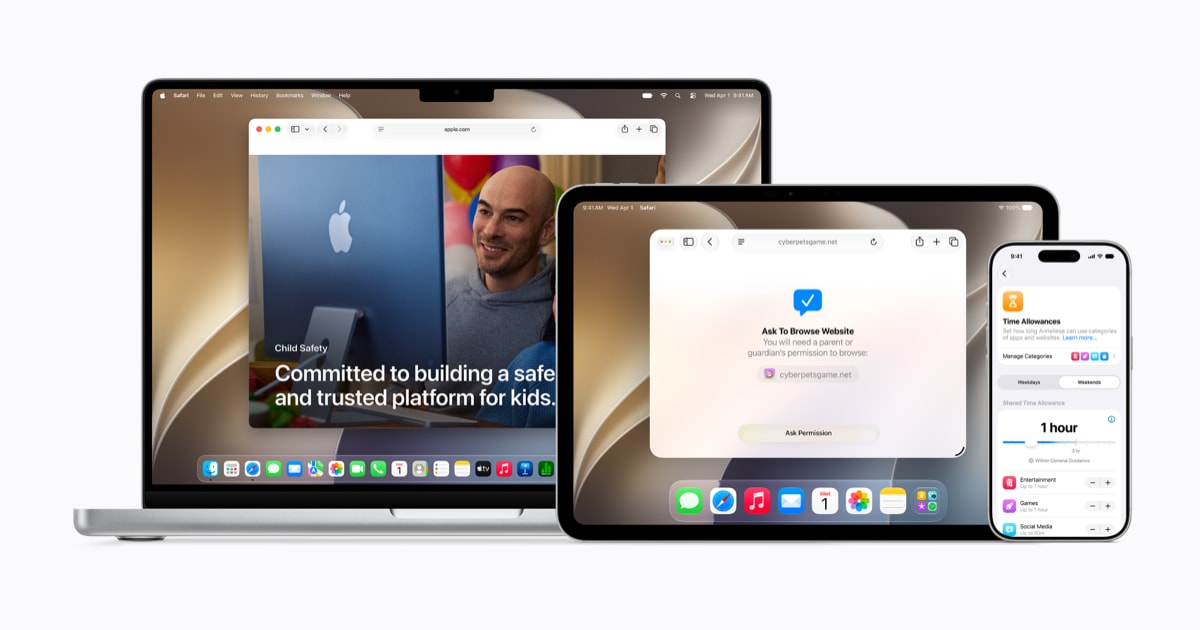
The new tools arrive with iOS 27, iPadOS 27, and macOS 27 later this year. Apple says they’ll give parents a simpler setup flow, a recommended set of essential apps, a new Ask to Browse feature for Safari, more flexible Time Allowances, and broader communication protections. There’s also an updated Screen Time layout designed to surface device use at a glance, which sounds small until you’ve spent 15 minutes buried in Settings trying to figure out why a kid’s iPad suddenly won’t let them call home.
That redesign may end up mattering more than Apple’s polished language suggests. Screen Time has long been one of those features that looks good in a keynote and feels fiddly in real life. Parents often know the theory — set limits, manage contacts, control web access — but the execution can be maddening. The Verge’s testy Screen Time reality check captured that frustration well: a system that can be bypassed, mis-sync, or simply get in the way at the worst possible moment.
A better front door, same old walls
Apple’s most practical addition is Ask to Browse. It works a lot like Ask to Buy, except instead of approving an app download, a parent can approve access to a website. That matters because kids who can’t install TikTok or Discord often just open the web version and keep going. Apple says Ask to Browse will work across iPhone, iPad, and Mac in Safari, and it will be turned on by default for children under 13.
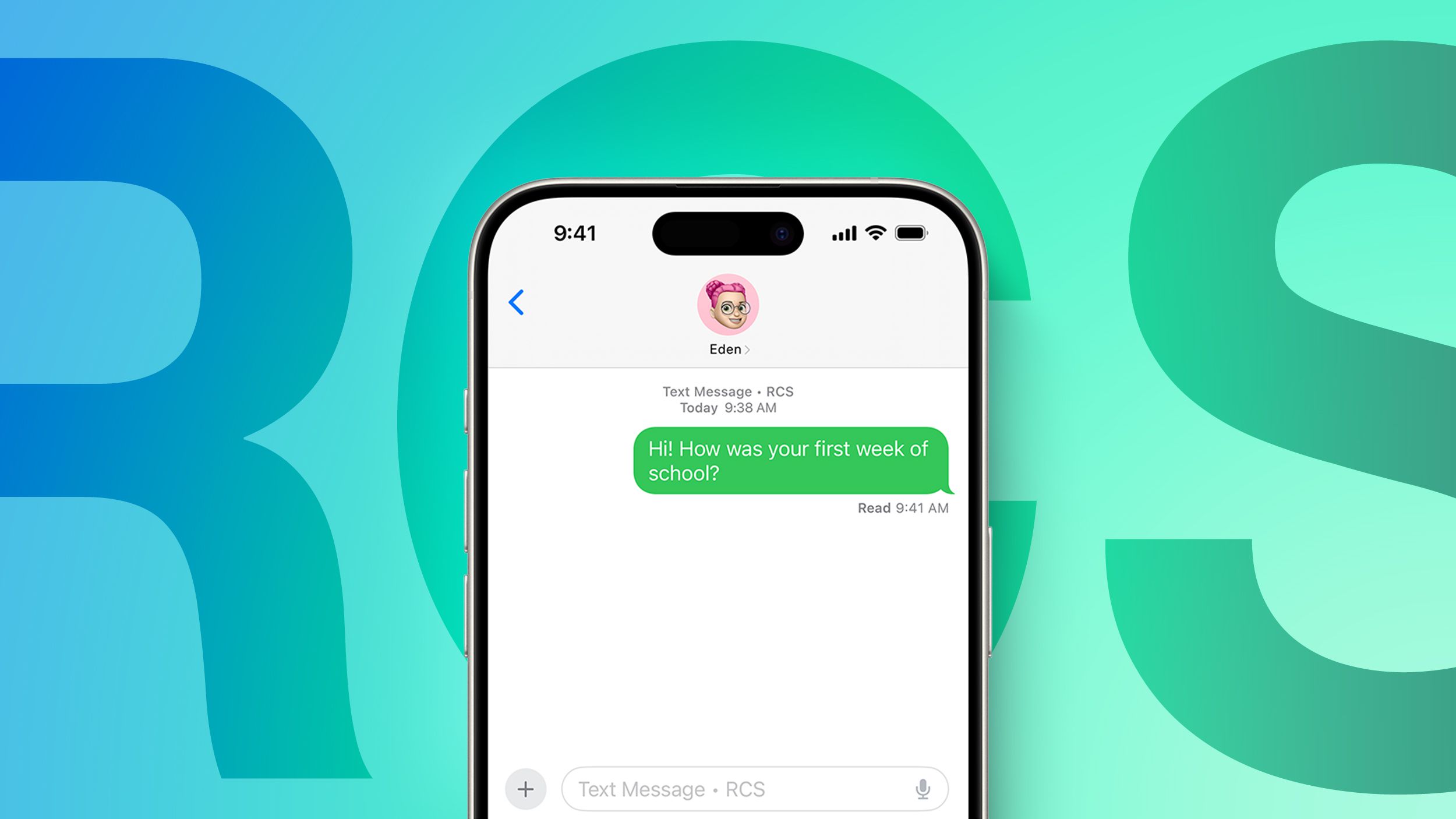
The company is also expanding how parents can control communication. Parents will be able to approve new contacts before children can interact with them in Messages, FaceTime, or Phone, and Communication Safety will now go beyond nudity to block gore and violent imagery in shared content. Those protections already exist in some form, but Apple is tightening and broadening them in a way that fits the current mood: more caution, more defaults, more parental oversight.
That said, a lot of this is refinement rather than reinvention. Apple has long offered parental controls through Family Sharing, Ask to Buy, Screen Time passcodes, and communication limits. The new version mostly stitches those ideas together more neatly and adds a few missing pieces. It’s a meaningful update, just not a dramatic one.
Parents will also get Time Allowances, a more guided way to set limits by app category rather than constantly micromanaging one app at a time. Apple says it consulted with experts, including the American Academy of Pediatrics, to suggest age-based starting points. In practice, that could save parents from having to build every schedule from scratch — or at least offer a sanity check before handing a child four hours of Netflix while insisting YouTube is off-limits.
That tension is one every parent recognizes. Apple’s categories are broad, maybe too broad, and that’s where the frustration creeps back in. Entertainment can mean Spotify, Netflix, or YouTube, which are not remotely the same thing when you’re trying to manage a kid’s attention span. Still, compared with today’s all-or-nothing feel, more guidance is better than none.
Apple’s answer to the whack-a-mole problem
A lot of the appeal here is not that Apple has invented a new category of parental control. It’s that the company is finally addressing the annoying loopholes families have complained about for years. In other words: the kid-proofing basics.
One familiar problem is app redownloads. A child can sometimes reinstall an app that was previously downloaded under a family member’s account, even after it’s been removed from their device. Another is the website loophole itself, which makes app-specific limits feel porous. Apple says the new tools are meant to close at least some of those gaps.
There’s also the issue of sheer usability. Screen Time still lives deep inside Settings, where many parents don’t expect to find it, and Apple’s current setup is hardly intuitive if you’re trying to configure a device quickly. The redesigned interface should help, though Apple probably knows it would have been even better as a standalone app that could be locked with Face ID. Kids are persistent. They are, to put it mildly, not bad at figuring things out.
That’s one reason Apple’s child-safety pitch has drawn both attention and skepticism. The company is under real pressure to show it is doing something — especially as states and countries push age verification rules and as social platforms face legal scrutiny. But a better interface alone won’t fix everything. The reliability question still hangs over Screen Time, and Apple hasn’t really answered it yet.
For more context on the broader fight over kids and device use, Apple’s rollout also comes against a wave of consumer-tech pressure from the other side of the industry, where companies like Samsung are steadily adding their own family and privacy features. Even the broader phone market is shifting toward more configurable defaults, like the privacy-minded tweaks in Samsung’s Galaxy S26 Ultra display.
Apple, for its part, insists the changes are grounded in research and expert guidance. That includes a dedicated new parent website, stronger child-account setup, and APIs for developers such as SensitiveContentAnalysis, PermissionKit, and the Declared Age Range API. The idea is to make safety something that starts in the operating system and carries into apps themselves, instead of stopping at the edge of Apple’s own services.
That’s the right ambition. It also raises the bar. If Apple wants credit for being the grown-up in the room, then the controls need to work cleanly when a parent is in a rush, a child is clever, and the family group chat is already on fire. The company is finally making the Screen Time experience look less like a scavenger hunt. Whether it becomes something parents can actually depend on is the harder test.