Apple’s iOS 27 update is shaping up less like a flashy overhaul and more like a series of small conveniences that quietly remove friction from the iPhone. That can be a very Apple move. Instead of chasing one headline feature, the company is spreading improvements across Wallet, Maps and Find My in ways that should make everyday tasks feel a little less annoying.
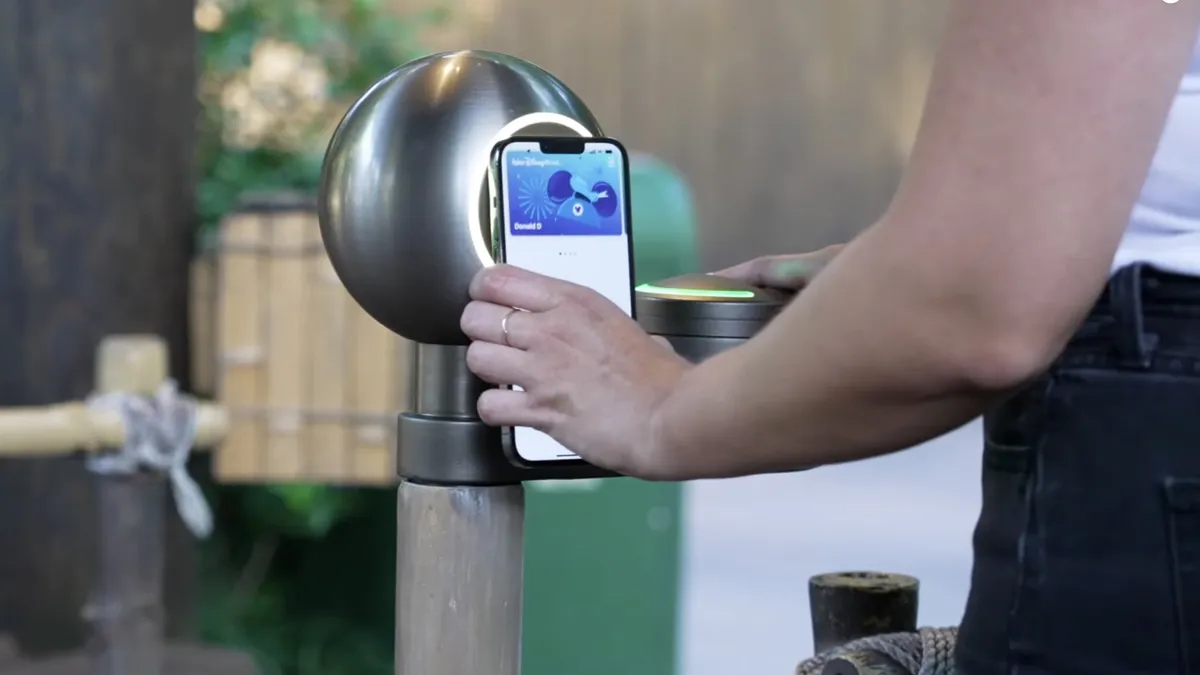
The most eye-catching change may be Apple Wallet’s new ability to import physical passes. If you still run into loyalty cards, membership cards or event tickets that live in plastic, cardboard or a forgotten email attachment, iOS 27 finally gives you a cleaner escape route. Point the camera at a barcode, or even a screenshot of a digital pass, and Wallet can prompt you to save it. Once it’s there, the pass can be shown as a barcode or QR code on iPhone or Apple Watch.
That feature alone feels overdue. Physical passes have stubbornly survived in too many places, even as digital tickets have taken over most of modern life. Apple is clearly trying to make Wallet the one place you actually remember to check before leaving the house. It also fits neatly with the broader direction of iOS 27’s wider smart-wallet push, which adds more everyday utility rather than yet another novelty.
Wallet gets more flexible, and a lot less forgetful
Wallet’s new pass-importing trick works alongside other changes that lean into convenience. According to Apple, users will also be able to create and store passes directly inside Wallet, which matters most for businesses that still haven’t moved entirely to digital systems. In practice, that means fewer pockets stuffed with cards and fewer moments of digging through a bag at the worst possible time.
Apple is also using Apple Watch more aggressively as part of the Wallet experience, which makes sense. A quick glance at the wrist is a better fit for a boarding pass or loyalty card than fumbling through layers of apps. And for people who still deal with physical cards at check-in desks, box offices or local stores, the change should reduce a lot of last-minute scrambling.
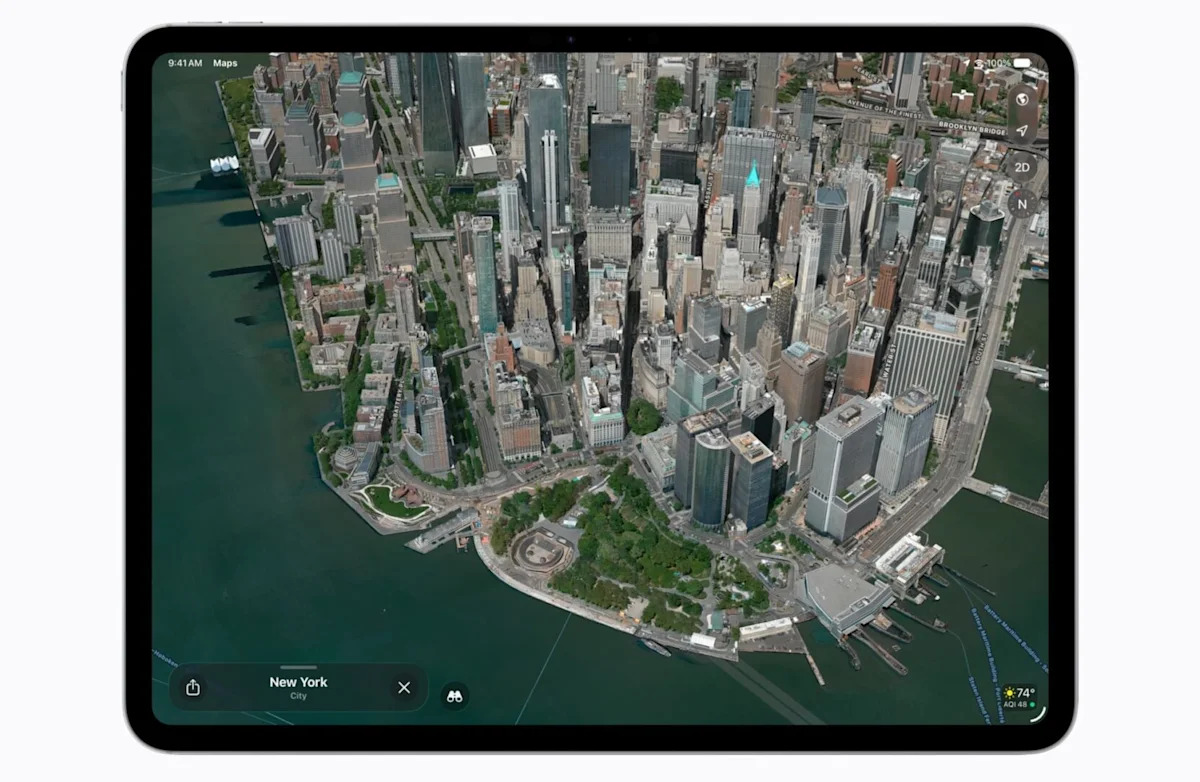
Maps is getting a broader set of upgrades, and this is where iOS 27 starts to feel like a real service refresh. Flyover, Apple’s 3D city-view feature, is getting a visual overhaul with AI-enhanced imagery. Apple says the result is sharper, more detailed views of buildings, trees and reflections, which should make the feature feel less like an old demo and more like a genuinely impressive city explorer.
A few early beta users have already spotted the richer Flyover visuals, though Apple appears to be rolling them out gradually. That’s typical for a feature that leans on new imaging work. It also makes the rest of Apple Maps’ iOS 27 update feel more ambitious than a simple polish pass.
Maps is learning to be more useful on the fly
The practical stuff matters too. Apple is adding local lists in the U.S., offering curated collections of restaurants, museums, family spots and other places based on aggregated usage patterns. The company says the feature is privacy-friendly, which will matter a lot given how personal location data can feel. Suggested places are expanding as well, with a longer swipeable lineup instead of the cramped two-item display users have had before.
There’s also a dedicated Trending Restaurants section, which should make Maps better for the very common “we need somewhere to eat right now” problem. That may sound minor, but it’s the kind of thing that can keep people inside Apple’s app instead of jumping into a separate search or review app.
Apple is also improving route search with natural language, so users can ask for directions in a more conversational way rather than digging through settings. Offline Maps is getting updates too, though Apple hasn’t said much about the exact changes. On Apple Watch, the parked car location now lives in Smart Stack, which feels like one of those tiny changes that will matter a lot the first time you’re standing in a huge parking lot trying to remember where you left the car.
The Maps app icon is getting the new Liquid Glass look, and Apple has also cleaned up some of the transparency effects that made the interface feel a little too busy in earlier versions. Not every detail is dramatic, but together they point toward a Maps app that feels more coherent and a lot more confident.
Find My is getting the most human-sounding upgrade of the lot. iOS 27 adds a way to temporarily hide your location from specific people until the end of the day, and they won’t be notified that you paused sharing. That detail is doing a lot of work here. It’s clearly designed for low-stakes privacy moments: surprise plans, gift runs, or simply not wanting to explain every movement to everyone all the time.
Apple is also adding custom location-sharing windows, letting users choose anything from 15 minutes to 30 days, or even pick a specific date and time for sharing to end. That’s a much better fit than the fixed options Apple has used so far, and it makes location sharing feel more intentional instead of all-or-nothing. It’s a useful companion to the smarter controls Apple has been layering into its software, similar in spirit to the subtle privacy refinements in iOS security updates like Background Security.
There’s a broader pattern here: Apple seems to be tightening the bolts on the parts of iPhone people rely on every day, rather than chasing giant reinventions. Wallet becomes a better catch-all for real-world cards. Maps becomes more visual and more helpful. Find My becomes more flexible and less awkward. None of it is showy on its own, but together it feels like the sort of update people actually keep using months later.
The new features are already in developer testing, with a public beta expected in July and the full release due in the fall. That should give Apple plenty of time to refine the rough edges, especially on the more ambitious Maps changes. But even in beta form, iOS 27 looks like an update aimed squarely at making the iPhone a little more useful in the moments that normally slow you down.