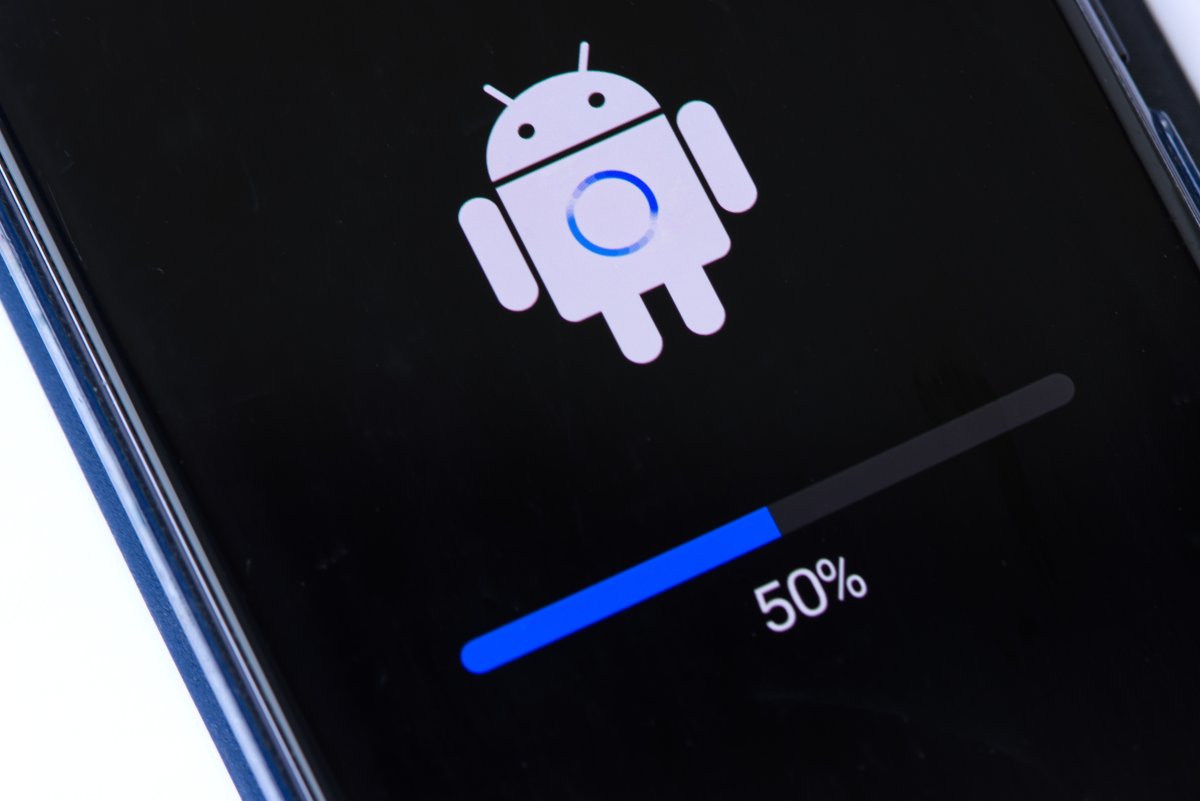
Google has shipped one of its biggest Android security updates of the year, and the most worrying fix may already be too late for some targets.
The June 2026 Android security bulletin patches 124 vulnerabilities across Android 14, 15, 16 and 16 QPR2, with one high-severity Framework bug — CVE-2025-48595 — already flagged by Google as being under limited, targeted exploitation. In plain English: attackers are using it in the wild, and the people most likely to be at risk are the ones who tend to get picked on first, not the average phone owner scrolling through group chats.
That doesn’t make it harmless for everyone else. It just means the attack has been narrow so far. And if you’ve been around mobile security for any length of time, you know how quickly a “targeted” flaw can become a widely abused one once chains get built around it.
The flaw Google is most worried about
CVE-2025-48595 sits in Android’s Framework component and scores 8.4 on the CVSS scale. The bug is an integer overflow, which sounds abstract until you remember what that usually means in practice: a value wraps around when it shouldn’t, memory gets handled incorrectly, and an attacker can turn that mistake into code execution or privilege escalation.
The important part is that exploitation does not require user interaction. No tap, no open, no permission prompt. Google’s own language says the vulnerability could lead to local escalation of privilege with no additional execution privileges needed. That makes it especially attractive to spyware operators and other attackers who want quiet, durable access rather than flashy one-off break-ins.
Google has not said who is behind the activity, but the wording echoes the kind of mobile exploit chains that have historically shown up in commercial spyware campaigns. That is also why the new sideloading roadblock in Android matters: when Google tightens one attack path, attackers tend to shift toward another.
A second patch worth paying attention to is CVE-2026-0059, a Bluetooth heap overflow in the System component. It can be triggered from nearby, over Bluetooth range, without user interaction. Alone, that’s bad enough. Combined with a privilege-escalation bug like CVE-2025-48595, it becomes the kind of chain that security teams lose sleep over.
The patch is big for a reason
This isn’t just one fix with a lot of filler around it. Google’s June bulletin spans Framework, System, Kernel and third-party chipset components from vendors including Imagination Technologies, MediaTek, Qualcomm and Unisoc. Eighteen of the issues are rated Critical.
Google is also shipping two patch levels:
- 2026-06-01: core Android framework and system fixes
- 2026-06-05: everything above, plus kernel and chipset-related patches
- 2026-06-01
- 2026-06-05
- Pixel: Settings > System > Software updates > System update > Check for update
- Samsung: Settings > System updates > Check for system updates
- OnePlus: Settings > System & update > System update
If you see the newer 2026-06-05 level, that’s the stronger sign your device has the full June package. The lower level still helps, but it doesn’t cover everything.
CISA wasted no time either. On June 2, the agency added CVE-2025-48595 to its Known Exploited Vulnerabilities catalog and ordered federal civilian agencies to remediate it quickly. That’s usually the kind of move reserved for issues that have crossed from theoretical danger into active operational risk.
There’s a reason Android security stories keep landing in the same uneasy place as other mobile-platform alerts, including recent iPhone security fixes: the phone in your pocket has become a vault, a wallet, a camera, and a constant live feed of your life. That makes it lucrative. It also makes patch delays painful.
Why many Android users still aren’t protected
Pixel owners got the June update first, as usual. For everyone else, timing depends on the manufacturer, the carrier, the model, and sometimes the chipset vendor underneath it all. A current flagship Galaxy may get the patch within days. A midrange phone from a couple of years ago could wait weeks, or never receive it at all if support has already run out.
That fragmentation is the old Android story, but it still stings because the threat is so fresh. Google gives partners advance notice, so Samsung, OnePlus, Motorola, Xiaomi and the rest have had time to work on builds. Even so, rollout is never truly synchronized.
And then there are the odd cases. If you’re on a beta build, you may not be on the latest patch even if you’re using a Pixel. Google’s Android 17 beta channel, for instance, briefly shipped with May’s patch level instead of June’s, which is the sort of small-but-real annoyance that makes update tracking feel like a part-time job.
There is a silver lining. Some fixes can arrive through Project Mainline, which updates certain Android components through the Play Store rather than a full firmware push. That means your phone may already have partial protection even if your security patch date hasn’t changed yet.
How to check your phone right now
You don’t need a lab or a forensic toolkit to see where you stand. On most phones, head to Settings > About phone > Android version and look for the security patch level. On Pixels, it’s under Settings > Security & privacy > System and updates.
You want to see one of these:
If you’re unsure whether an update is waiting, force a manual check:
It’s also worth checking your Google Play system update separately under Settings > Security & privacy > System and updates. That channel updates some of the pieces Google can fix without waiting on your phone maker.
If you’re using one of the latest Samsung flagships, or a newer Pixel, you’ll probably be covered sooner rather than later. If you’re on a budget device that’s already seen a long life, the situation may be less comforting — a familiar pattern that also shows up when comparing premium launches like the Galaxy S26 Ultra with the broader Android ecosystem.
For now, the advice is simple: check your patch level, install the update when it appears, and don’t assume your phone is safe just because nothing looks different on screen. Security fixes rarely announce themselves. They just quietly close the doors attackers were hoping you’d leave open.