For a lot of people, Android Auto is supposed to make driving easier. In practice, it can do the opposite if you leave every shiny feature switched on.
That’s the thread running through a few recent Android Auto experiments: strip away the noise, trim the app list, and stop the system from constantly trying to be helpful in ways that are, frankly, a little annoying. The result is a dashboard that feels less busy, less jumpy, and much easier to live with on the road.
One of the biggest wins is also the least glamorous: cut back on notifications. Messaging alerts, especially from group chats, can take over a big chunk of the screen at exactly the wrong moment. If you’re navigating through traffic, you do not need a WhatsApp thread, a Teams ping, and a Google Messages banner fighting for attention at the same time. Android Auto can read messages aloud and let you reply by voice, but that’s still an interruption. Turning off message notifications in Android Auto settings, and trimming Assistant-based notification handling, keeps the screen focused on maps instead of your social life.
That same logic applies to media. A lot of drivers leave “start music automatically” enabled because it sounds convenient. Then they get in the car to deal with directions, phone calls, or a quick errand and the stereo suddenly blasts whatever they were listening to last night. Disabling auto-play sounds minor, but it removes one more little scramble before you pull away.
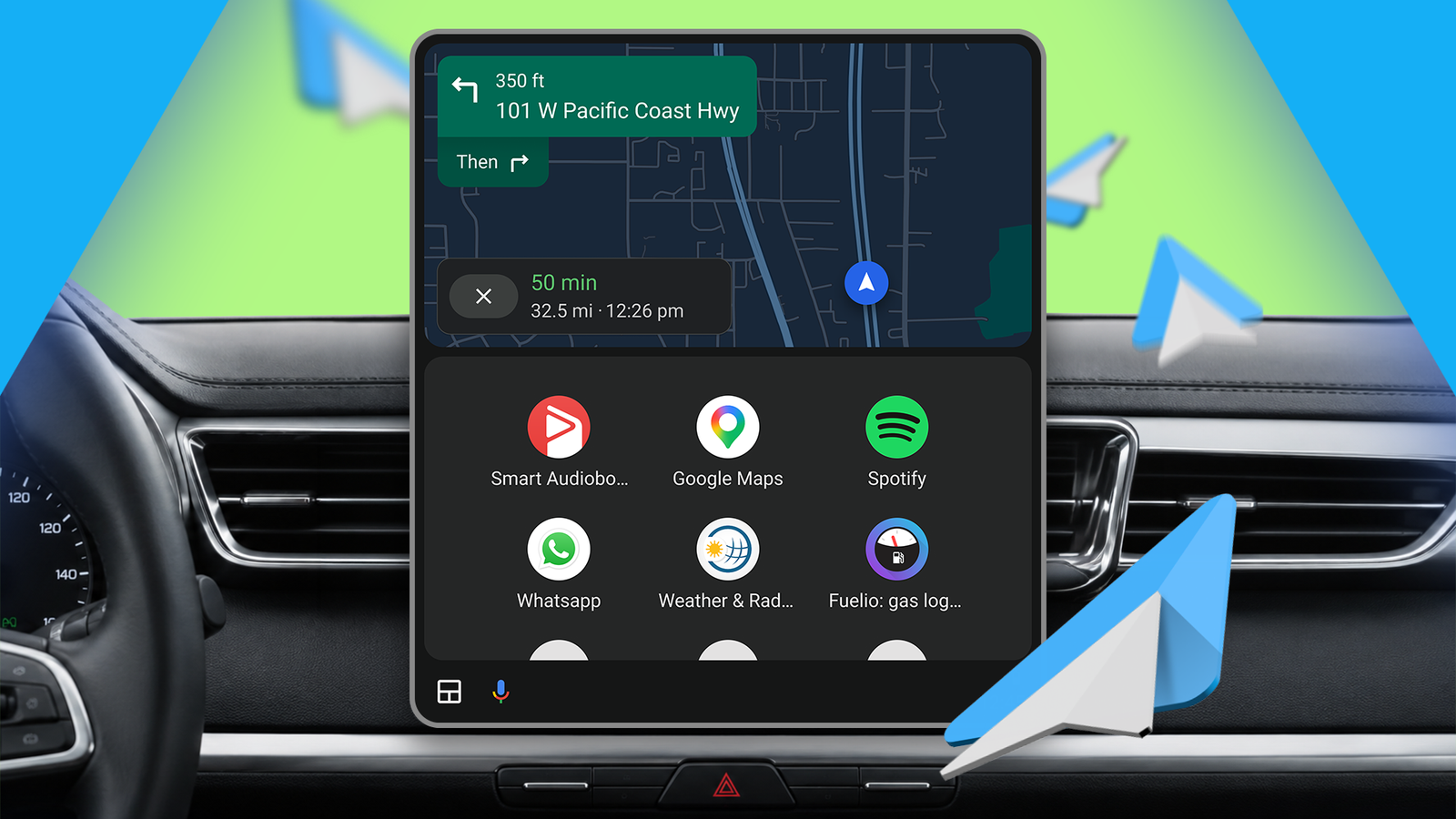
There’s also the matter of app bloat. One Android Auto user recently described clearing out nearly everything except a handful of apps that actually matter on the road — Google Maps, Spotify, WhatsApp, Weather & Radar, Fuelio, and a favorite audiobook player. That approach makes a lot of sense. If an app doesn’t reliably improve your drive, it probably doesn’t belong in the launcher. Android Auto works best when it behaves like a tool, not a showroom.
Another source of friction is automation itself. You’d think smart routines would be the easiest part of the setup, but Google’s current automation situation is messy enough that some people have had better luck using only the most straightforward routines. One recent setup used a simple voice command to close a garage door from the car, while others relied on stock Home routines for leaving, arriving, and morning briefings. The theme is the same: keep the automation simple, useful, and predictable. Anything fancier starts to feel like another thing to troubleshoot before your coffee goes cold. That lines up with broader complaints about Google's in-between Android ecosystem phase, where features sometimes feel half-finished until the underlying tools catch up. It’s a little like the headaches some users have seen with Android Auto disconnects and display glitches: the software can be brilliant, but only once you remove the rough edges.
A separate set of hidden settings can also make a big difference if your car’s display keeps flickering or changing behavior mid-drive. In some vehicles, Android Auto’s automatic day/night switching reacts too aggressively to light changes, which can make the screen flash when you pass under bridges or hit patchy weather. Locking the display to either Day or Night mode stops that constant shifting. Another tweak worth knowing about is developer access for sideloaded apps: enabling Unknown Sources can reduce some of the odd screen flashes that happen when Android Auto checks sideloaded apps before launching them. And if resolution mismatches are part of the problem, forcing Android Auto to a standard display size — usually 1280 x 720 or 1920 x 1080 — can help settle things down.
That’s the part of Android Auto most people never see: the experience is often defined less by the headline features than by the tiny settings you never thought to touch. A cleaner launcher, fewer notifications, less automatic behavior, and a display that stays put can make the whole system feel much more polished. It doesn’t sound dramatic. But in a car, small annoyances add up fast, and removing them is often the difference between a dashboard that distracts you and one that quietly gets out of the way.