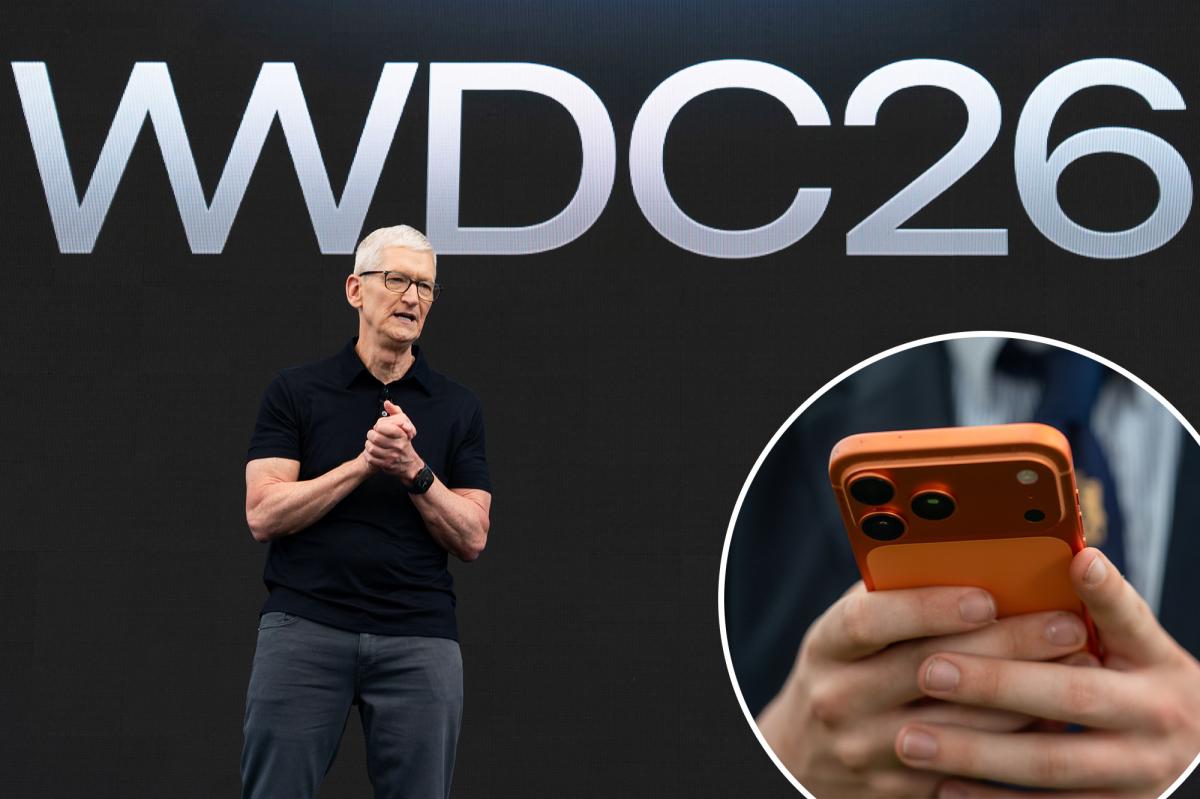
Apple spent last year teaching iPhone users a new visual language. This year, it’s already tweaking the grammar.
With iOS 27, the company is refining Liquid Glass rather than abandoning it, and the changes go beyond a simple coat of polish. Apple is introducing a transparency slider that lets users move between ultra-clear and heavily tinted looks, while also reworking app icons so they read cleaner, sharper and more consistent across the system. The new icon treatment appears to lean into depth without the fuzzier look some users associated with iOS 26.
That visual cleanup matters because iOS 27 is trying to do two things at once: calm the complaints about Apple’s recent design overhaul and make the platform feel more deliberate. The company has said it is updating the foundations of Liquid Glass to improve readability by diffusing complex content behind panels. In plain English: less visual noise, fewer moments where text gets lost in the frosted edges.
Apple also appears to be dialing back some of the flash. In the iOS 27 beta, app icons no longer seem to shimmer when you move the phone around, a motion effect introduced in iOS 26 that didn’t win universal praise. It’s a small change, but it says a lot. Apple seems to be betting that refinement beats novelty when a design change is still settling in.
The same philosophy shows up across the rest of the update. iOS 27’s stability push is as much about speed and cleanup as it is about new features, with Apple claiming faster app launches, smoother animations and quicker photo rendering. In other words, this isn’t just a visual refresh dressed up as progress.
Siri gets the headline, but not the whole story
Of course, the real center of gravity at WWDC was Siri. Apple’s assistant is getting the biggest rewrite in years, with a more conversational interface, better on-screen awareness, personal context and the ability to handle more complex tasks across apps. Apple is also giving Siri its own dedicated app experience, which puts a much more chatbot-like face on a product the company spent years insisting was not becoming a chatbot.
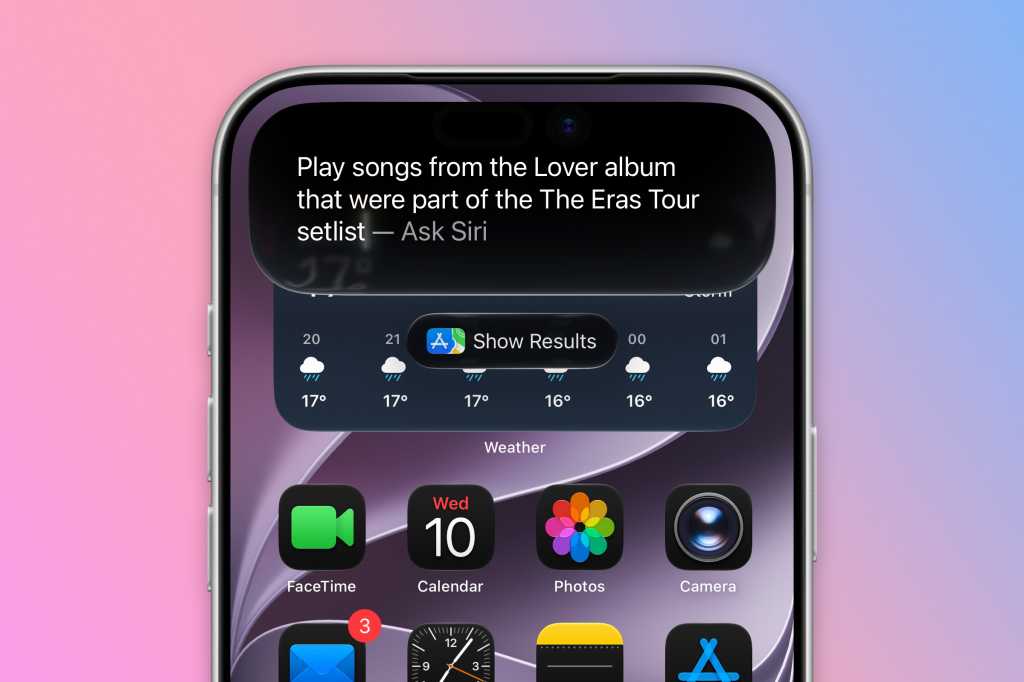
That shift is hard to miss. Siri can now live in the Dynamic Island on iPhone, react to what’s on screen and, in Apple’s demo, pull together information from across the device in a way that feels much closer to the assistants people have been seeing from Google and others. Apple is also opening the door to AI extensions, so users may eventually be able to route requests through services like ChatGPT, Gemini or Claude depending on the task.
If that sounds overdue, that’s because it is. Apple has been under pressure to prove that its AI strategy is more than branding. Siri’s redesigned future now looks like a more serious attempt to catch up, not just a promise to catch up later.
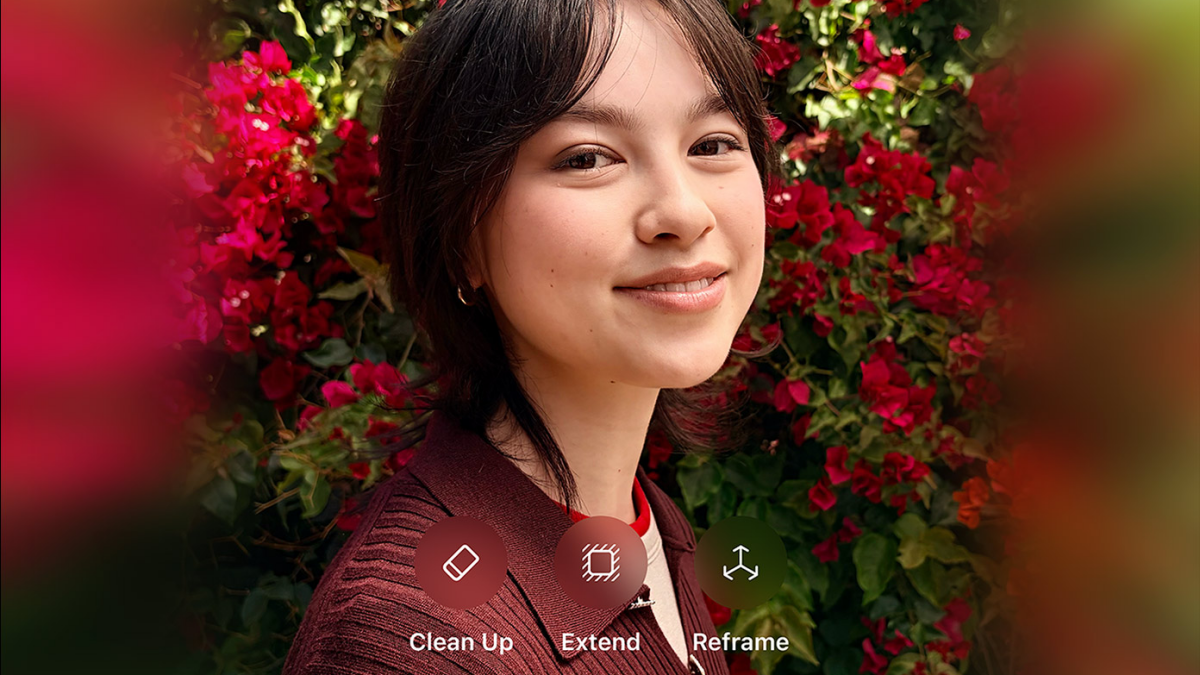
Apple’s other AI tools are getting more practical, too. The Photos app is adding more ambitious editing features, including tools to clean up distractions, extend images and reframe shots with generative help. Apple Intelligence is also spreading into everyday workflows: Messages can suggest replies, Shortcuts can be created in natural language, Safari can organize tabs by topic and the Home app can surface smarter security-camera alerts.
Some of those additions are flashy. Others just save time. The photo tools fall into both camps, and they may be the first iOS 27 features most people actually notice day to day. If you’ve seen the pain points in Apple’s current image-editing tools, the push to more advanced Photos edits feels like Apple finally taking the competition seriously.
Camera, Wallet and AirPods get real utility upgrades
Not everything in iOS 27 is about AI theatrics. Apple is also giving the Camera app more manual control, with a customizable layout and access to deeper settings such as depth-of-field and exposure. That’s a meaningful shift for users who want the stock app to do a little more without forcing them into third-party camera software.
Apple Wallet is getting a handy new trick as well: the ability to create custom passes from QR codes. That means tickets, memberships and gift cards can live in Wallet even when a business hasn’t built a native pass for them. It’s the kind of feature that won’t dominate a keynote slide but could quietly become indispensable.
AirPods users are getting some love, too. Apple is adding custom EQ controls, which is the sort of option people have been asking for for years and somehow only now appears to be arriving in a native way.
There’s also a broader theme here: Apple is trying to make its system apps feel less rigid. The company is loosening the edges of the interface and giving users more control over how they interact with it. That’s especially clear in how it’s approaching Liquid Glass, but it also runs through the camera, Wallet and even the writing tools baked into Apple Intelligence.
The compatibility line and the quieter surprises
On the device side, Apple is keeping iOS 27 available to iPhone 11 users, which will be a relief for anyone hoping to avoid another hardware upgrade cycle. But the AI-heavy features are not coming to every device. The smartest Siri tools will be reserved for newer hardware, reinforcing the idea that Apple’s headline features are becoming increasingly split between “supported” and “fully supported.”
That has implications beyond the iPhone. Apple is clearly laying groundwork across the rest of its ecosystem, from Macs to Vision Pro and beyond. macOS 27’s touch-ready hints have fueled new speculation about where Apple’s software is headed, especially with a future touchscreen MacBook still hovering in the background. And if Apple’s foldable ambitions keep moving forward, software consistency is going to matter even more than usual.
For now, though, iOS 27 looks like Apple doing something it rarely does well in public: admitting that the big idea needs sanding down. Liquid Glass remains, Siri finally looks useful, and the interface is being rebalanced around clarity instead of spectacle. That may not be the flashiest WWDC story, but it is probably the more important one.