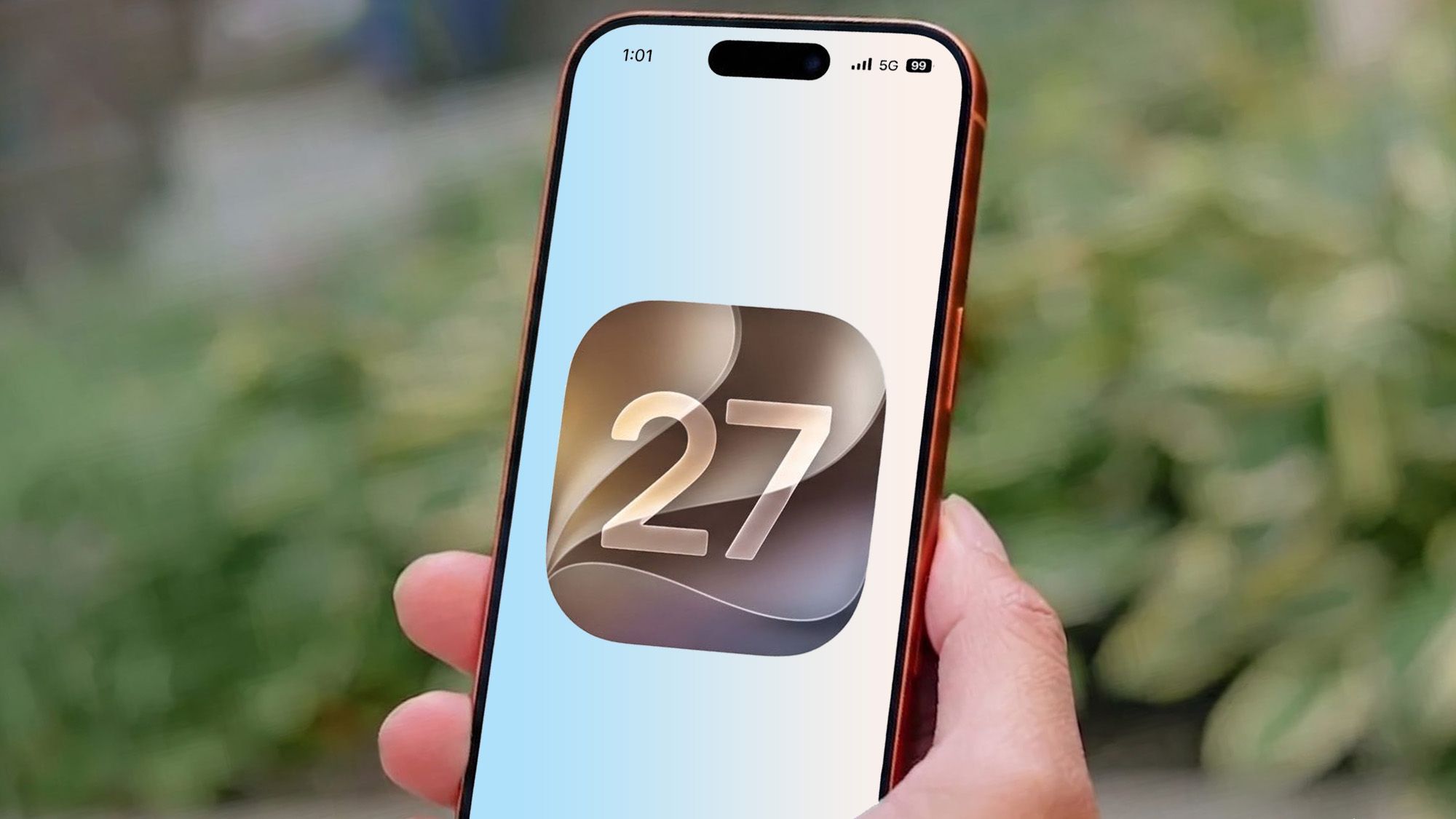
Apple’s new Liquid Glass look is still very much alive in iOS 27 — but it’s no longer quite so committed to making people squint.
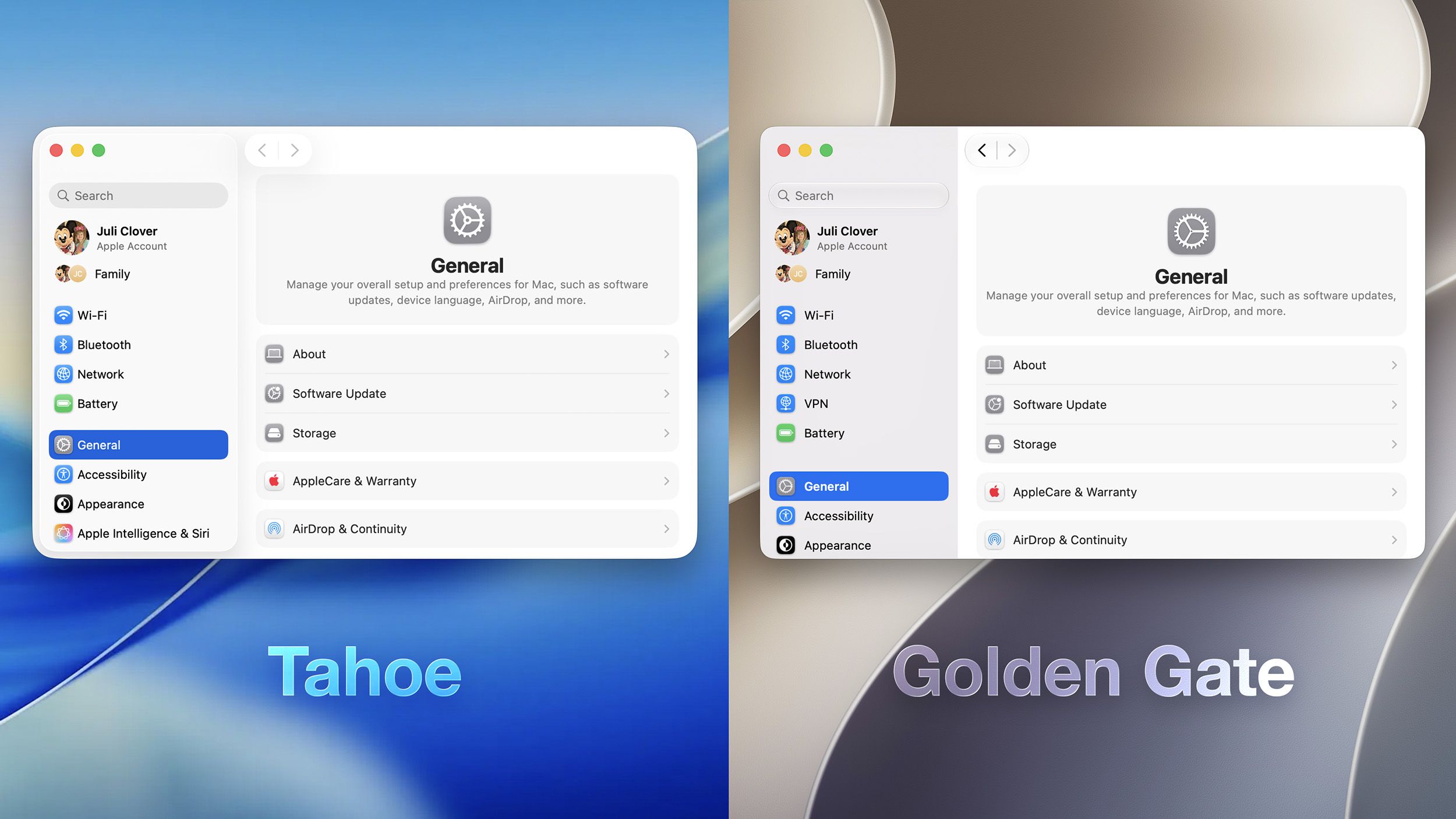
After a year of complaints about readability, odd reflections and the general feeling that the interface had been polished a little too enthusiastically, Apple has started dialing the effect back. The first iOS 27 developer beta, unveiled after WWDC 2026, adds a Liquid Glass slider that lets users move between a more transparent look and a tinted, frosted one. On iPhone and iPad, the control runs from Ultra Clear to Fully Tinted. On the Mac, Apple is taking a similar approach in macOS Golden Gate, though the default is noticeably more restrained than last year’s version.
That might sound cosmetic, but for a design language that’s drawn more debate than applause, it’s a meaningful adjustment. The original Liquid Glass treatment introduced in iOS 26 used specular highlights and reflections that could make app icons appear as though they were leaning. Some users noticed it immediately; others only realized something was off after staring at their home screens for a while and wondering why the whole thing looked subtly crooked. Apple has now removed those particular highlights, which means the icons still catch the light, but they no longer play tricks on the eye.
I’m happy to report that the new look is not just a philosophical retreat — it’s practical. The beta also sharpens app icons and improves contrast across the system. Apple says the updated refraction should make interface elements easier to read, which was one of the loudest complaints when Liquid Glass first arrived. That criticism wasn’t limited to icon tilt, either. Users repeatedly pointed to the difficulty of reading notifications, controls and menus when too much of the background bled through.
The new slider is tucked into Settings under Appearance and Liquid Glass, where users can drag the effect wherever they like. It even comes with a small preview panel that shows how the setting affects a text field and surrounding UI elements. On iPhone, the change is immediately visible; on Mac, it arrives alongside some broader design tweaks that make the platform feel less visually cluttered. The sidebars are back to edge-to-edge styling with colored icons, and windows now share more consistent corner radii. Apple hasn’t gone all the way back to the pre-Liquid Glass era, but it has clearly heard the chorus asking for something less shiny and more usable.
That tension has defined Apple’s design conversation since the first beta of the new interface leaked into public taste tests. Some people love the glassy depth and the futuristic sheen. Others have treated it like a cautionary tale about style overwhelming substance. The latest update suggests Apple is trying to keep the aesthetic while sanding off the parts that annoy people in daily use. That’s also the direction the company seems to be taking elsewhere in iOS 27, where design and AI features are arriving together rather than in isolation — a contrast to the more incremental feel of iOS 26’s quieter feature set.
Mac users, in particular, may welcome the reset. Early hands-on impressions of macOS Golden Gate’s design refinements suggest Apple is trying to make the desktop version feel calmer, less frosted and less visually busy. On the iPhone side, the new slider puts some real control back in users’ hands instead of forcing everyone to live with one exact interpretation of “modern.” That’s a smart move, especially after the backlash that followed Liquid Glass’s debut.
There’s still a catch, of course: this is only the first developer beta. Apple has plenty of time to tweak the effect again before the public release later this fall. It could become clearer, muddier or simply settle somewhere in the middle. But for now, the company has made one thing plain — it noticed the complaints, and at least this round, it seems willing to soften the glass before it cuts.